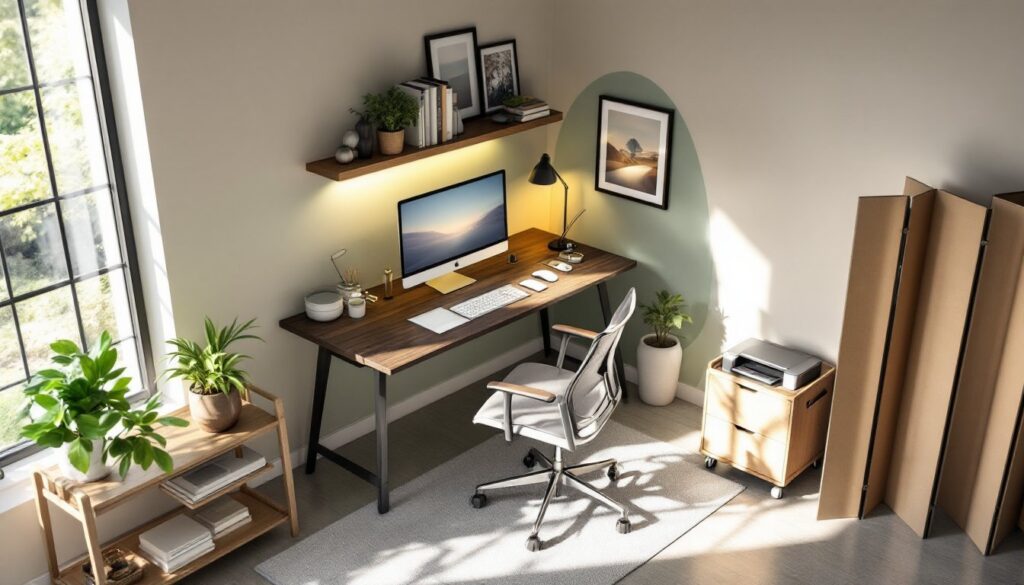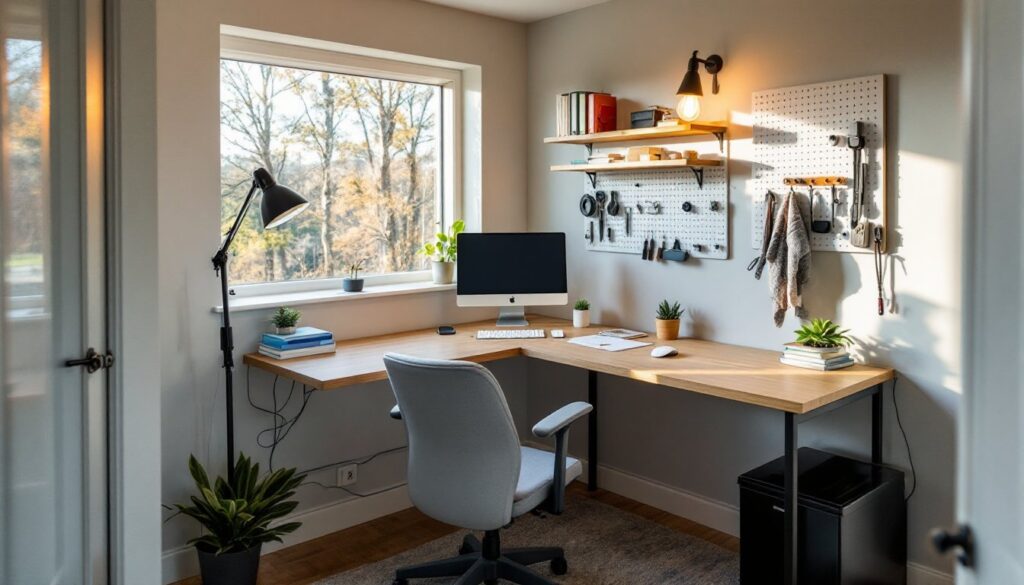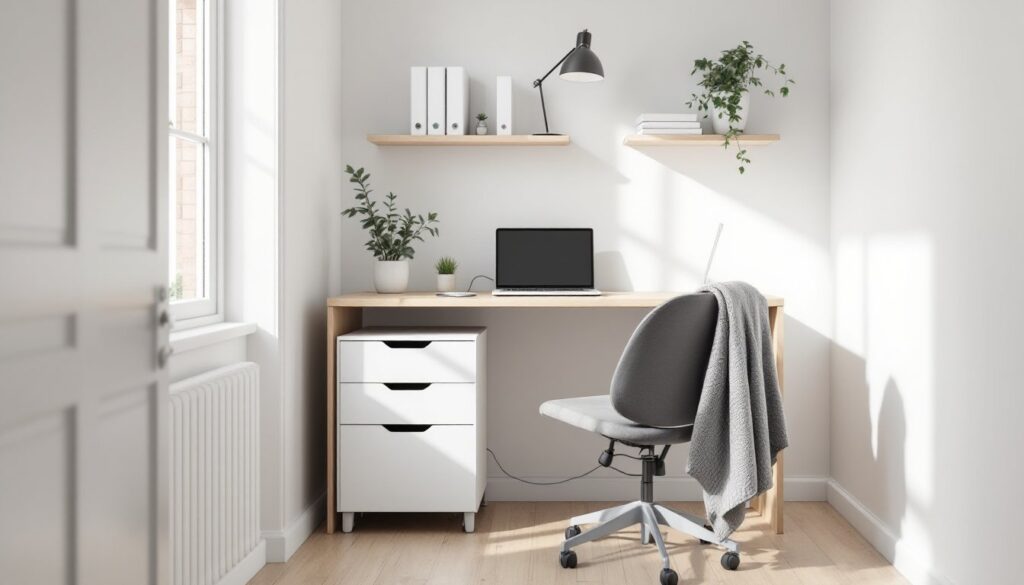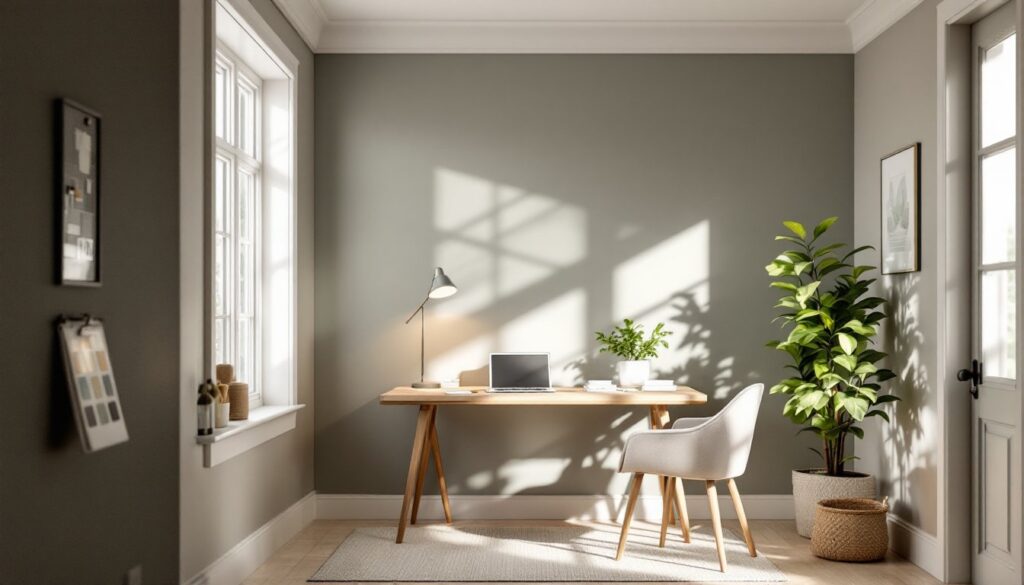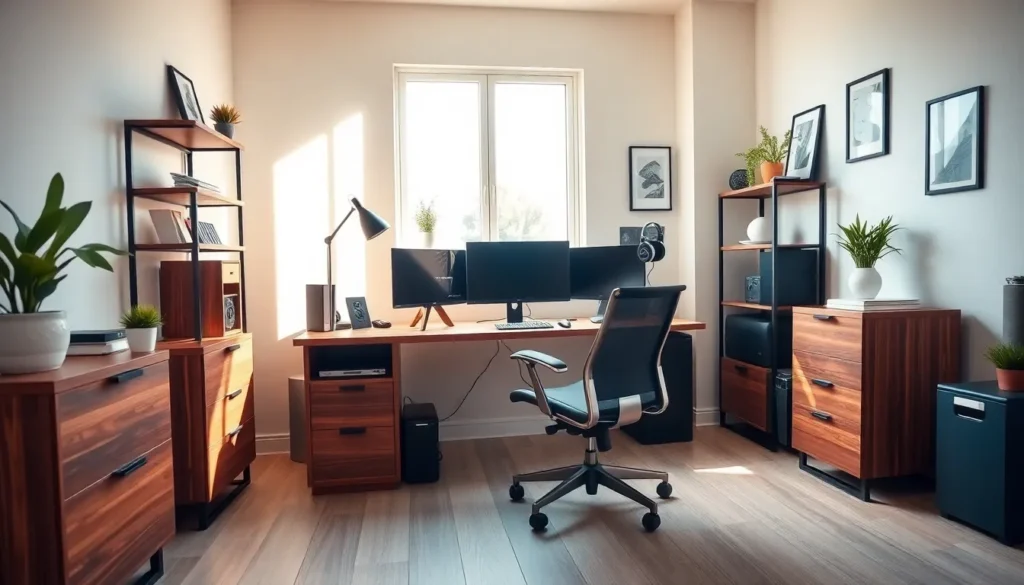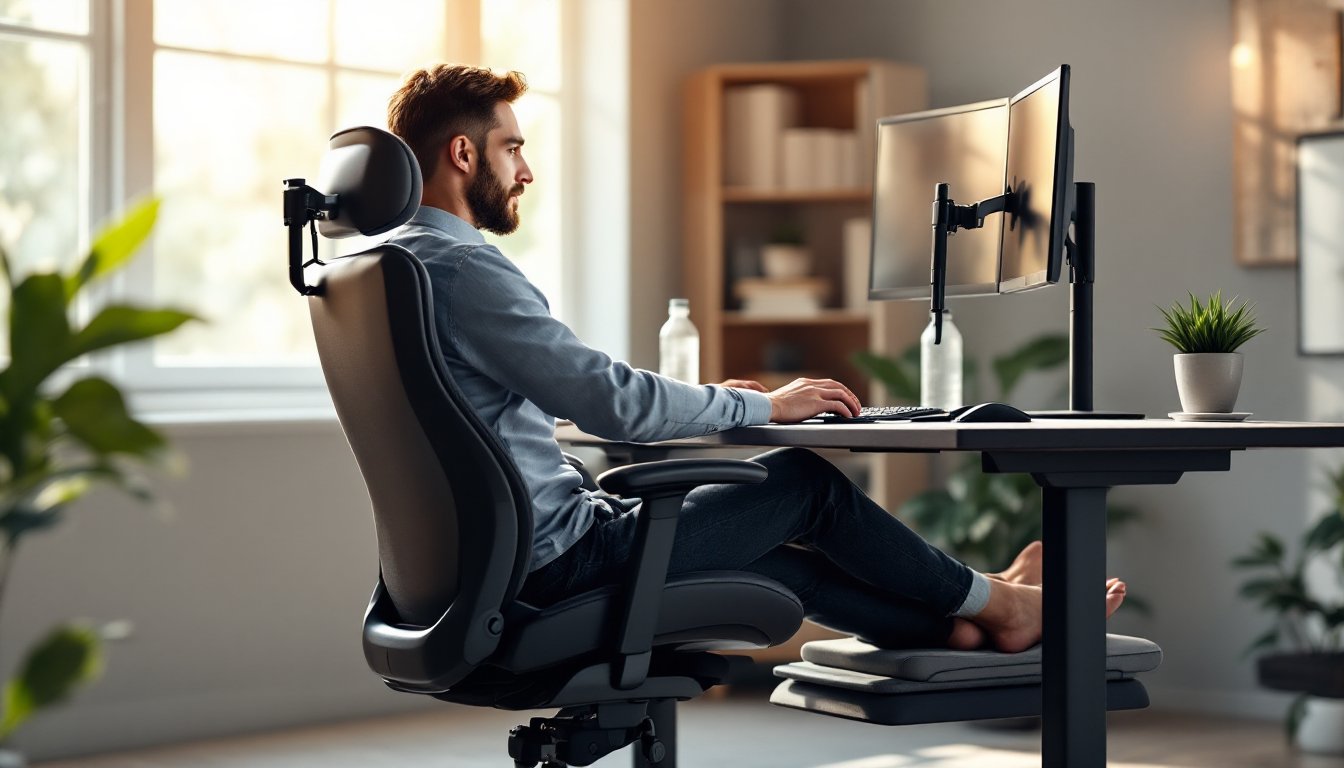

Setting up a home office has become standard for millions of workers, and the importance of choosing the right furniture can’t be overstated. Your chair isn’t just where you sit for eight hours, it’s the foundation of your comfort, productivity, and long-term spinal health. A poor seat choice leads to back pain, neck strain, and reduced focus, while a well-designed ergonomic chair supports proper posture and keeps you energized throughout the day. Whether you’re a freelancer, remote employee, or someone who works from home part-time, investing in the best ergonomic chair for your workspace will pay dividends in both comfort and performance.
Table of Contents
ToggleKey Takeaways
- The best ergonomic chair for home office prevents back pain, neck strain, and chronic spinal conditions while improving productivity and focus throughout your workday.
- Adjustable lumbar support, proper seat height, and customizable armrests are essential features that separate genuinely supportive chairs from marketing-driven alternatives.
- Mid-range ergonomic chairs ($400–$800) offer the best value, combining quality materials and smooth adjustment mechanisms without the premium cost of higher-end models.
- Proper workspace setup goes beyond seating alone—monitor at eye level, keyboard within arm’s reach, and regular movement breaks are critical for maintaining spinal health.
- Use retailer return policies to test chairs in your actual home office environment for at least 30 days, ensuring the chair adapts to your unique body and workspace needs.
Why Ergonomic Seating Matters for Remote Work
Most people underestimate how much time they actually spend sitting. When you work from home, that chair becomes your <a href="https://glasneygreenspace.com/home-office-ideas-for-small-spaces/”>office environment, and a poorly designed one compounds the problem. Extended sitting without proper support tightens hip flexors, weakens core muscles, and puts uneven pressure on your spine. Studies consistently show that remote workers experience higher rates of musculoskeletal complaints compared to office-based colleagues, largely because they skip investing in proper seating.
The difference between a standard chair and an ergonomic one comes down to intentional design. An ergonomic chair supports the natural curve of your spine (what experts call lumbar lordosis), keeps your arms at a 90-degree angle to your desk, and positions your feet flat on the floor. This alignment reduces strain on discs between vertebrae, decreases pressure on your sciatic nerve, and allows your muscles to work more efficiently. You’ll notice the difference within days: less end-of-day fatigue, fewer headaches, and the ability to focus longer without discomfort.
Beyond immediate comfort, there’s a preventive benefit. Repetitive poor posture can lead to chronic conditions like herniated discs, thoracic outlet syndrome, or persistent neck problems. Investing in a quality ergonomic chair now means avoiding expensive physical therapy, chiropractor visits, or worse, time away from work due to injury. It’s genuinely one of the best health decisions a remote worker can make.
Key Features to Look For in an Ergonomic Chair
When you’re comparing chairs, certain features separate the genuinely supportive ones from marketing hype. Here’s what actually matters.
Lumbar Support and Spinal Alignment
Lumbar support is non-negotiable. This is the lower back support that maintains the inward curve of your spine, your lumbar lordosis. Some chairs offer fixed lumbar support (a built-in curve that works for average spines), while others include adjustable lumbar support (height and depth adjustment to match your unique back shape). Adjustable is preferable if your budget allows it, because everyone’s spine is slightly different.
Look for chairs where the lumbar support sits between your belt line and the bottom of your rib cage. If it’s too high, it’ll push into your mid-back: too low and it misses your lower back entirely. The support should feel like a gentle hand cradling your back, not aggressive or bulky. Check that the backrest itself reclines smoothly (most should tilt between 5–20 degrees) so you can shift positions without losing support. A headrest is optional but helpful if you spend time on video calls: just make sure it adjusts up, down, and forward so it doesn’t force your neck into a rigid position.
Adjustability and Customization Options
Your body isn’t average, so your chair shouldn’t force you into an average position. Priority adjustments include:
- Seat height: Should raise and lower so your feet sit flat on the floor (or footrest) with knees at roughly 90 degrees. Pneumatic cylinders (gas cylinders) adjust smoothly: mechanical winches require effort.
- Seat depth: Allows you to slide the seat pan forward or backward so there’s 2–4 inches of space between the back of your thighs and the seat’s edge (prevents circulation cutoff).
- Armrest height and width: They should support your arms at desk height without forcing your shoulders up or allowing them to droop. Some chairs offer armrests that swivel or fold, useful if space is tight. Others are fixed, which is fine if they’re positioned correctly.
- Tilt tension: Resistance that controls how easily the chair rocks back. A good mechanism lets you recline without slamming back, and locks in place when you want stability.
- Swivel and mobility: A five-point base with smooth-rolling casters lets you reach different areas of your desk without straining. Test that casters move freely on your floor type, hardwood, carpet, and tile all behave differently.
Think of adjustability as insurance. What feels right on day one might need tweaking as you refine your workspace setup. A chair with multiple adjustments adapts to you, not the other way around.
How to Choose the Right Chair for Your Space and Budget
Not every ergonomic chair costs $2,000, and not every budget-friendly option is a waste. The key is matching features to your actual needs and environment. If you’re in a small space, you might prioritize a slimmer chair with a smaller footprint over one with every adjustment lever. If you work 12-hour days, spending more on premium materials and adjustment options pays back immediately.
Start by measuring your desk height (standard is around 30 inches) and the space behind your chair, you’ll want at least 36 inches of clearance for the chair base and your body when you recline. Check your floor type: carpet requires hard casters, while hardwood or tile benefits from softer wheels to prevent rolling issues. A good practice is researching desk chairs reviewed by trusted reviewers to see what professionals recommend across price tiers.
Budget-conscious shoppers should look for chairs with essential adjustments: height, tilt tension, and lumbar support. You can skip expensive extras like heated seats or premium leather if your priority is spinal alignment. Mid-range ergonomic chairs ($400–$800) typically offer the best value, including quality materials, smooth mechanisms, and longevity. Higher-end models ($1,000+) add premium fabrics, stronger warranties, and niche features.
Consider also whether you’ll pair the chair with other home office design elements. If you’re working in a cohesive style (minimalist, industrial, scandinavian), a chair that matches those aesthetics makes your workspace feel intentional. It’s also worth thinking about complement pieces like small desks for home office that work with different chair sizes.
One practical tip: buy from retailers with strong return policies. Many furniture stores offer 30–60 day trials so you can test the chair in your actual environment. Sitting for 15 minutes in a showroom feels different from working in it for a week.
Tips for Setting Up Your Home Office Ergonomically
A great chair only works if the rest of your setup supports it. Here’s how to create an ergonomic system:
Position your monitor at eye level. When seated upright, the top of your monitor should align with your eye height when you look straight ahead. Too low and you’ll crane your neck down: too high and you’ll look up, straining the back of your neck. Use a monitor arm, laptop stand, or books underneath to adjust height.
Keep your keyboard and mouse close. Your elbows should rest at roughly 90 degrees with forearms parallel to the floor and close to your body. If your keyboard is too far away, you’ll reach forward and round your shoulders, one of the quickest paths to upper back pain. The mouse should be at the same height as your keyboard and within arm’s reach.
Use a footrest if needed. If your feet dangle (common for shorter people or standard desk heights), a footrest keeps your weight supported and reduces lower back pressure. It doesn’t need to be fancy, even a box or sturdy platform works.
Take breaks regularly. Even the best chair can’t support eight straight hours of sitting. Stand, walk, and stretch every hour. Your muscles need movement to stay engaged and healthy. Research from organizations like interior design resource sites emphasizes that workspace wellness goes beyond furniture, it includes movement breaks and mental resets.
Adjust the chair before you settle in. Spend a few minutes on your first day getting the height, lumbar support, and armrests dialed in. Jot down your settings (like “seat height at marking 4” or “lumbar slider at middle position”) so you can recreate them tomorrow. Consistency in your setup means your body adapts more quickly.
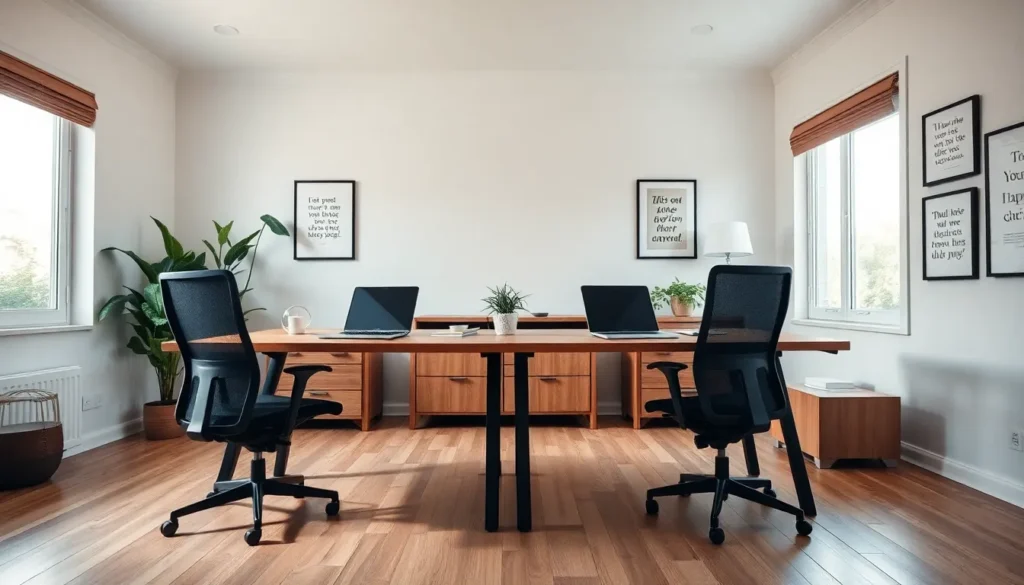
If you share a desk with a partner or family member, look at options like two person desk setups so everyone has adequate space. Cramped workspaces lead to poor posture out of necessity, which even the best chair can’t fully compensate for.
Conclusion
Choosing the best ergonomic chair for your home office is an investment in your health, comfort, and long-term productivity. Focus on lumbar support, adjustability, and proper setup rather than brand names or aesthetic alone. Test chairs with realistic return windows, measure your space beforehand, and remember that even the best seat requires a supporting cast of good desk height, monitor positioning, and regular movement breaks. Your future back will thank you.