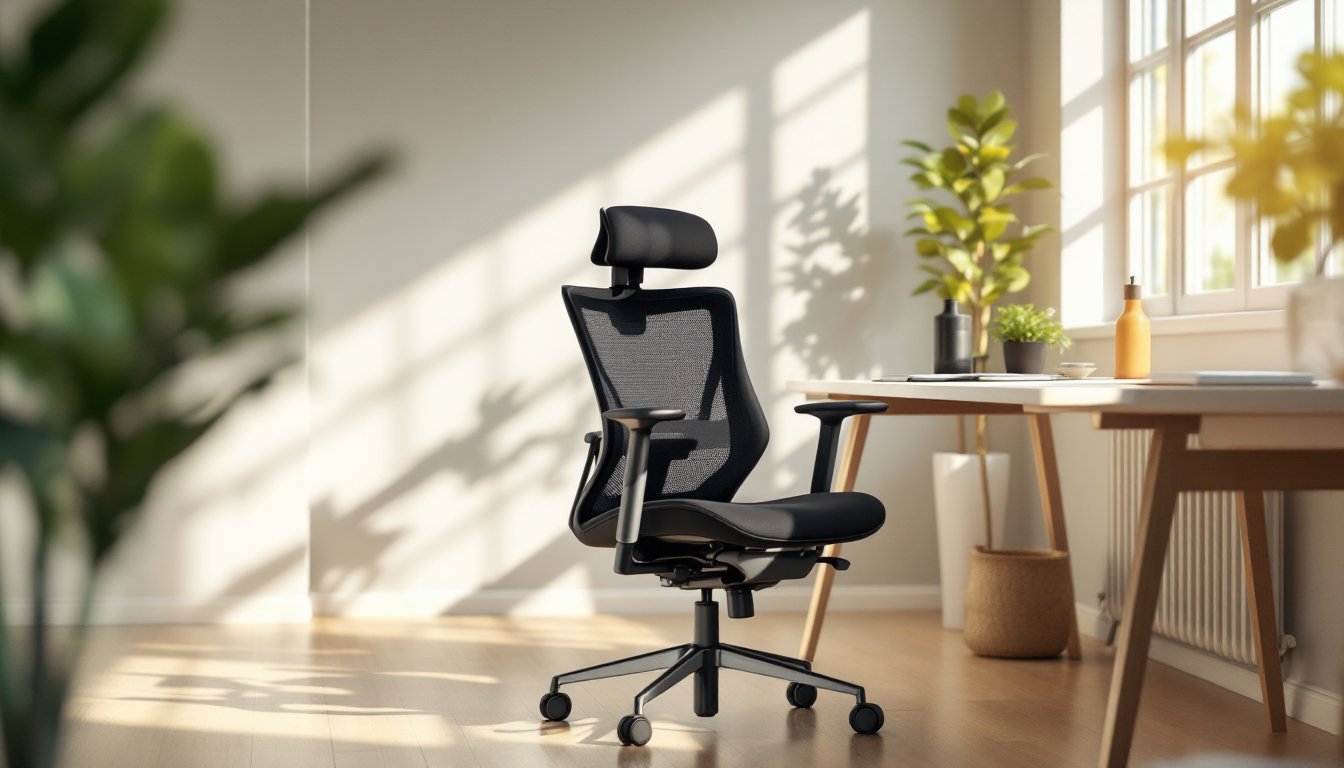

If you’ve been working from home for more than a few months, you’ve probably felt the difference a good office chair makes. Your lower back aches, your neck gets stiff, and by 3 p.m. you’re standing at your desk just to change positions. A Humanscale office chair isn’t just another piece of furniture, it’s an investment in your comfort and productivity. Unlike generic office chairs that require constant adjustment, Humanscale seats are engineered to adapt to your body’s natural movement, reducing strain and allowing you to focus on work instead of fidgeting. This guide walks you through what makes these chairs stand out, how they benefit your health, and how to pick the right model for your home office setup.
Table of Contents
ToggleKey Takeaways
- A Humanscale office chair uses weight-activated, self-adjusting mechanisms that automatically calibrate to your body, eliminating the need for constant manual tweaking and reducing strain during long work sessions.
- LiveBack technology and ergonomic seat design in Humanscale chairs prevent common remote work issues like lower back pain, neck tension, and shoulder strain by supporting your spine’s natural movement.
- Humanscale office chairs range from $800 to $2,000+ depending on features, but cost per use drops significantly when spread over five or more years of daily use with a 12-year warranty.
- The Freedom Task Chair and Liberty Chair are the most popular Humanscale models for remote workers, with the Liberty offering advanced lumbar support for those with existing back conditions.
- Proper setup requires only 10 minutes, with the critical adjustment being seat height at 90-degree knee and elbow angles; most people find their ideal tension within the first week as their body adapts to proper ergonomics.
- Basic maintenance every few months, including clearing debris from the weight-activated mechanism and checking casters, extends your Humanscale chair’s lifespan to 10+ years of reliable daily use.
What Makes Humanscale Chairs Different From Standard Office Seating
Most office chairs work against you. They’re bulky, they have dozens of levers and dials, and no matter how you adjust them, something always feels off. Humanscale took a different approach: they stripped away the complexity and built chairs that move with you, not against you.
The core difference is the self-adjusting mechanism. A standard chair requires you to manually set seat height, backrest tension, and armrest position, often using confusing levers hidden underneath. Humanscale chairs use intuitive, weight-activated adjustments that respond to your body as you shift. You sit down, and the chair automatically calibrates to your weight and posture. No fiddling required.
Key Design Features and Innovative Technology
Humanscale chairs incorporate several hallmark technologies that set them apart. The automatic weight-activated recline system adjusts backrest tension based on how much you weigh and where you’re sitting. Lean back lightly to read an email? The chair follows. Shift forward to focus on detail work? It provides the support you need without locked mechanisms.
The LiveBack technology (found in premium models) flexes with your spine’s natural S-curve rather than forcing you into a fixed position. This is crucial: your spine isn’t rigid, so your chair shouldn’t be either. The technology allows micro-movements that reduce pressure points and improve blood flow over long sitting sessions.
Armrest design also matters. Instead of fixed plastic pieces, Humanscale uses adjustable, often removable arms that accommodate different desk heights and work styles. Whether you’re typing, on a call, or resting, your arms get proper support without creating tension in your shoulders.
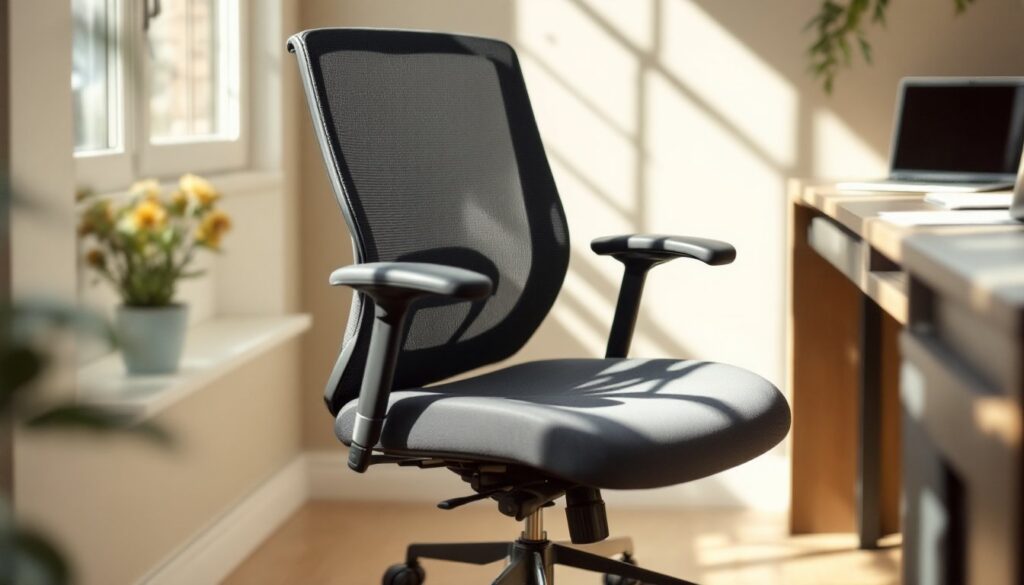
The seat itself is thoughtfully engineered. Most office chairs have narrow, flat seats that cut off circulation in your thighs. Humanscale seats are deeper and have a slight waterfall edge, the front edge slopes down slightly, so your thighs get support without the pressure that comes from sitting on an edge. It’s a small detail with outsized comfort impact, similar to how contemporary furniture designers approach modern design inspiration by focusing on both form and function.
The Health Benefits of Choosing an Ergonomic Chair for Your Home Office
Working from home without a proper chair sets you up for cumulative injury. Slouching, forward head posture, and poor lumbar support don’t hurt immediately, they sneak up over weeks and months. By the time you notice pain, you’ve already developed compensatory patterns that are hard to break.
A Humanscale chair addresses posture from the ground up. The automatic recline system prevents you from having to manually lock yourself into one position. This constant micro-adjustment forces small stabilizer muscles in your core and back to engage, improving endurance and reducing the fatigue that comes from static sitting.
Lower back pain is the most common complaint among remote workers. A Humanscale chair’s weight-activated lumbar support responds to your position throughout the day. When you’re sitting upright typing, you get firm support. When you recline to think or read, the support eases so you’re not fighting the chair. This responsiveness, combined with the seat design that prevents thigh pressure, takes the burden off your lower back.
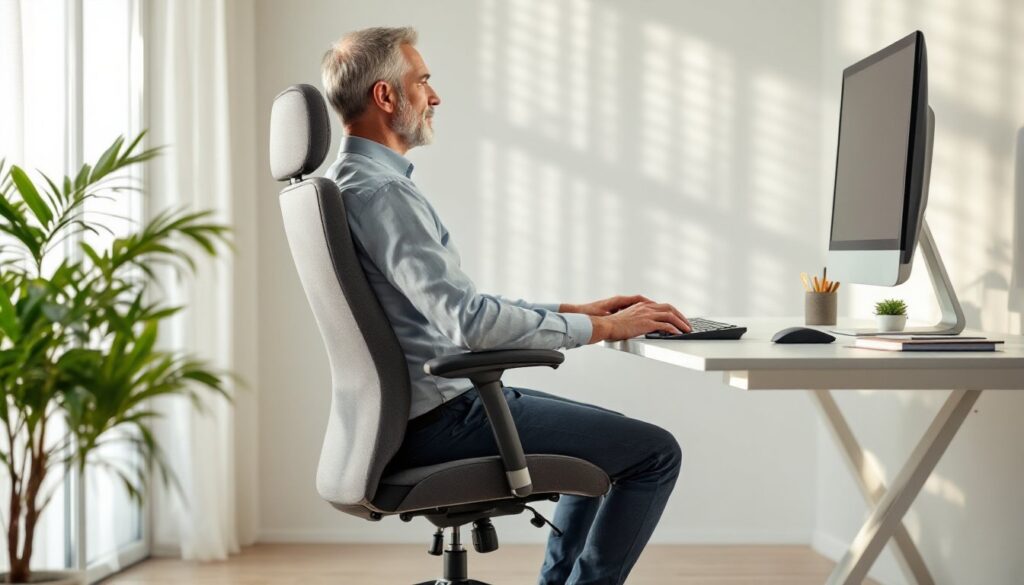
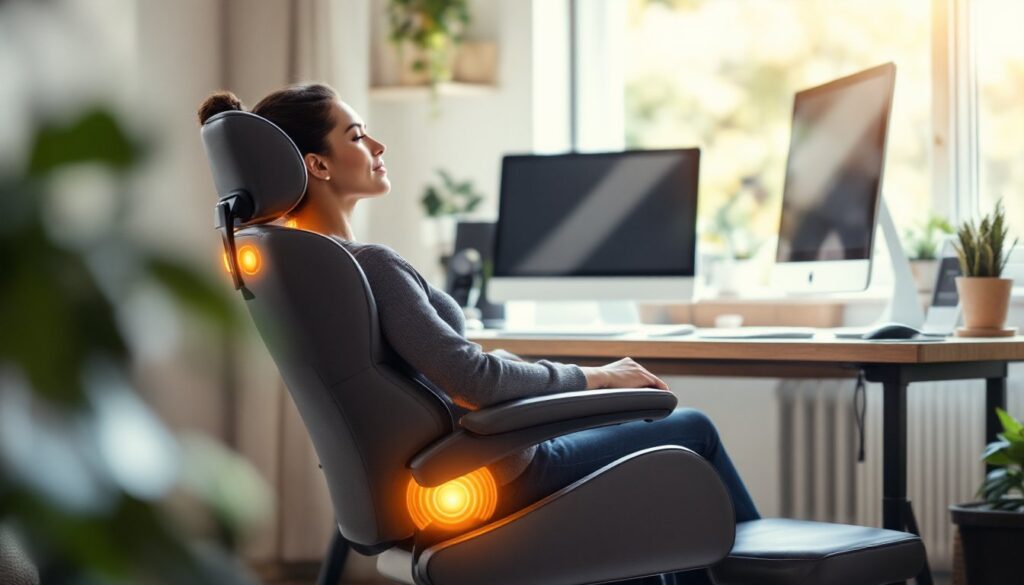
Neck and shoulder tension also improve noticeably. Most office chair designs force your neck to crane forward if you adjust the backrest backward, a mechanical catch-22. Humanscale’s LiveBack technology keeps your head and neck aligned with your torso even as you recline, so you’re not constantly fighting to keep your head upright. Your shoulders stay relaxed, not hunched.
Over a work year, these small improvements compound. You have fewer headaches, less afternoon fatigue, and more focus during those critical morning hours. Your body isn’t sending distress signals that pull your attention away from work. Studies consistently show that ergonomic seating reduces musculoskeletal discomfort and increases productivity, a benefit that pays for itself through better work quality alone.
How to Select the Right Humanscale Model for Your Space and Budget
Humanscale makes chairs for different needs and budgets, so the key is matching the model to your actual use case, not just picking the fanciest option.
Start by considering how many hours per day you sit and what kind of work you do. If you’re at your desk 8+ hours daily doing detailed focus work, you want a chair with the full suite of adjustment options, backrest tension control, fully articulating armrests, and LiveBack technology. These features prevent fatigue over long sessions.
If you’re alternating between sitting and standing throughout the day, or you work from your kitchen table part-time, a simpler, more affordable model might make sense. You don’t need all the bells and whistles if you’re only sitting for 2-3 hours at a stretch.
Budget matters too. Entry-level Humanscale models start around $800–$1,000. Mid-range options with more adjustment features run $1,200–$1,600. Premium models with all technologies, higher-grade materials, and extended warranties can exceed $2,000. Before dismissing higher prices, remember: you’ll spend 1,000+ hours per year in this chair. Cost per use drops dramatically when you spread it over five or more years of daily use.
Popular Models and Their Best Uses
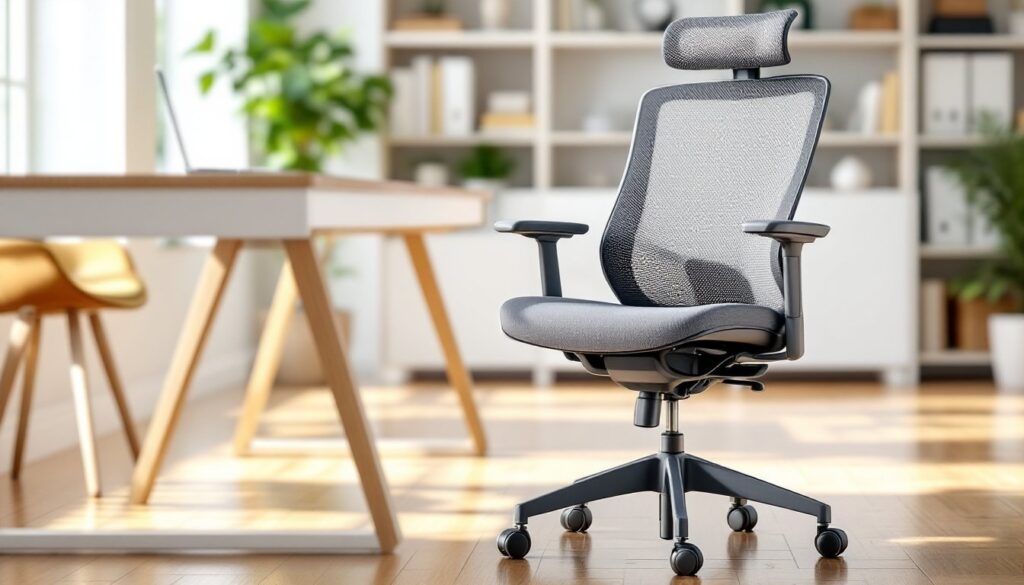
The Humanscale Freedom Task Chair is the brand’s workhorse. It includes the automatic weight-activated recline system, a 12-year warranty, and clean aesthetics that fit both modern home offices and professional corporate spaces. It’s responsive, nearly silent, and doesn’t require ongoing adjustment tweaking. This is the model most remote workers reach for, and it’s justifiably popular for good reason. You can see detailed specifications and user reviews on Humanscale’s product listings on Houzz.
The Humanscale Liberty Chair is a step up, adding LiveBack technology and more refined armrest systems. If lower back pain is your primary concern, the added lumbar responsiveness is worth the extra investment. It’s particularly good for people with an existing back condition who need a chair that genuinely supports rather than just tolerates movement.
The Humanscale Diffrient World is the most affordable entry point into the Humanscale ecosystem. It has the core weight-activated recline but fewer adjustment options. It’s perfect for home office workers who want Humanscale’s core benefit, the intuitive self-adjusting system, without paying for features they won’t use.
For inspiration on how to integrate your new chair into a thoughtfully designed home office, interior design resources like Homedit showcase setups that balance functionality with aesthetics.
Setting Up and Adjusting Your Humanscale Chair for Maximum Comfort
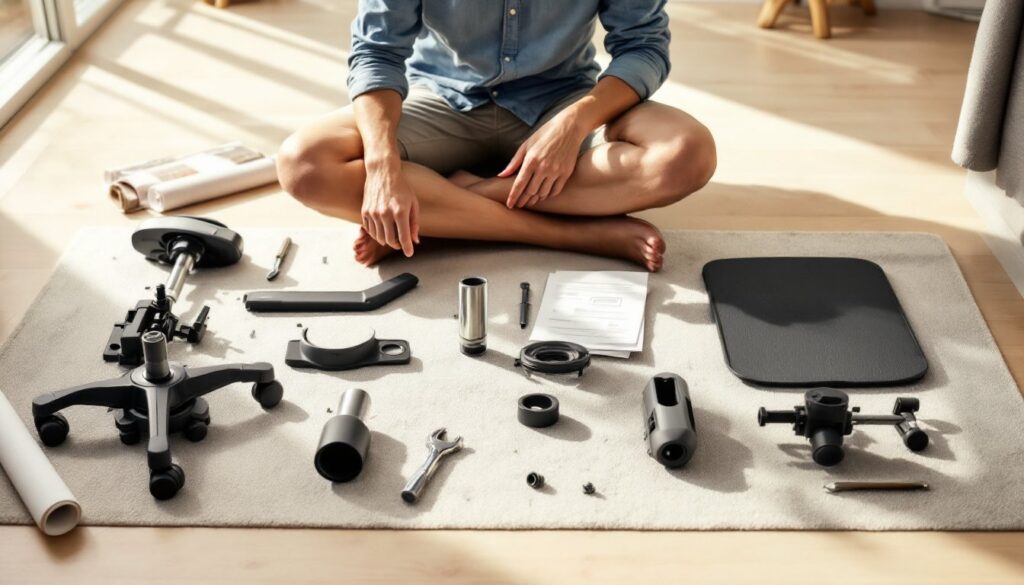
One of the biggest advantages of a Humanscale chair is that setup is genuinely simple. Out of the box, it arrives assembled or nearly assembled. You typically only need to attach the base, wheels, and any optional armrests, a 10-minute job with an Allen wrench.
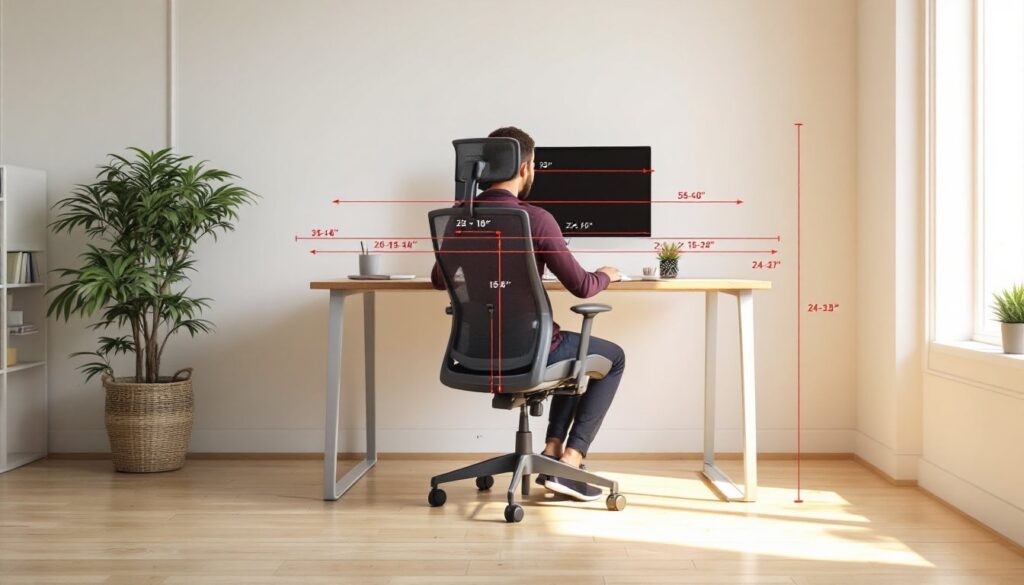
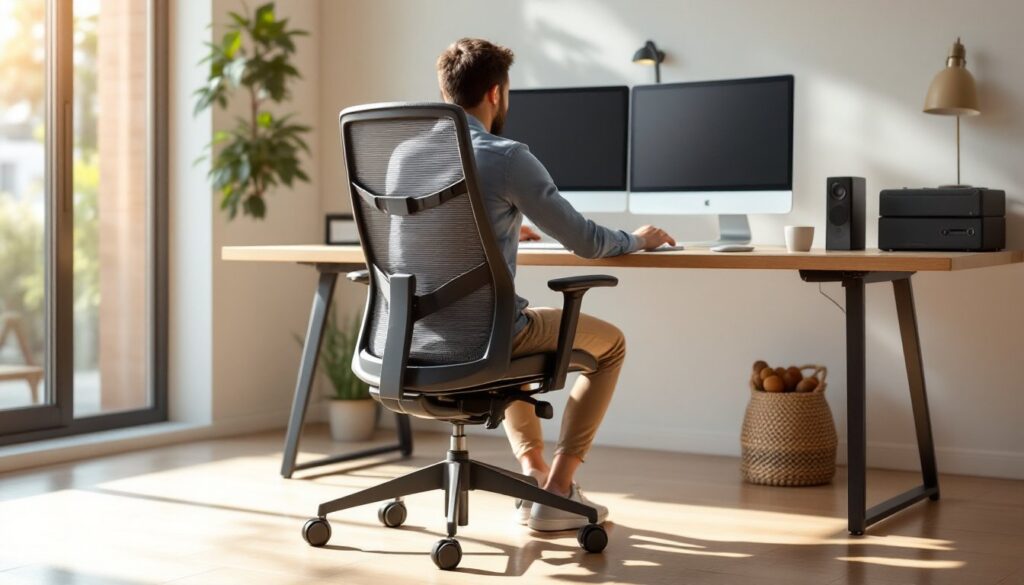
Seat height is the critical first adjustment. Your feet should rest flat on the floor with your knees bent at 90 degrees when you sit. Your elbows should also be at 90 degrees when your hands rest on your keyboard. If your desk is too high or too low relative to your chair, no amount of adjustment will fix the problem, you’ll need to address desk height or use a keyboard tray.
If your chair has adjustable armrests, position them so your forearms rest lightly on them when you’re typing. They should support your arms without lifting your shoulders. Many people initially position armrests too high, which causes shoulder tension. Adjust them incrementally until you find the sweet spot.
The backrest tension adjustment (if your model has one) should be set so the chair reclines smoothly under your weight without being so loose it feels unsupported. Sit normally and gently lean back. If it feels too stiff or too soft, make one small adjustment and sit for 5–10 minutes to let your body adapt before tweaking further. Most people find their ideal tension within the first week.
For the first few days, don’t overthink fine-tuning. Your body needs time to adjust to proper posture, and what feels “weird” on day one often feels perfect by day five. The self-adjusting mechanism does most of the work: your job is just getting the basics, height and basic back tension, in the right ballpark.
Maintaining Your Investment: Care and Durability Tips
A Humanscale chair is built to last. Most models come with a 12-year warranty, and you’ll often see them still performing beautifully after 10+ years of heavy daily use. Protecting that investment requires minimal effort.
Keep the mechanism clean. Dust and debris can accumulate around the weight-activated tilt mechanism underneath the seat. Every few months, use a soft brush or compressed air to gently clear debris from underneath. It takes 30 seconds and prevents the mechanism from getting gritty or stuck.
Upholstery care depends on material. Most Humanscale chairs ship with washable fabric or leather. For fabric, light vacuuming with an upholstery brush removes dust. Spills should be blotted immediately with a damp cloth: don’t rub. For leather, a damp cloth and occasional leather conditioner keeps it supple and prevents cracking.
Check casters and base periodically. The wheels (casters) are replaceable parts that wear out over time, usually after 3–5 years of heavy rolling on hard floors. When they start squeaking or dragging, replacement casters are affordable and easy to swap out. If you sit on hard flooring, consider swapping to felt casters, which are quieter and less likely to scratch.
Don’t abuse the adjustment mechanisms. These are precision components, not levers meant for rough handling. Adjust settings smoothly, not abruptly. If something stops working, contact customer support rather than trying to force it, Humanscale’s warranty and customer service are among the best in the industry.
With basic maintenance, your Humanscale chair will outlast your desk, your office design, and probably several jobs. It’s one of the few purchases that genuinely gets better with time as your body adapts to proper ergonomics.