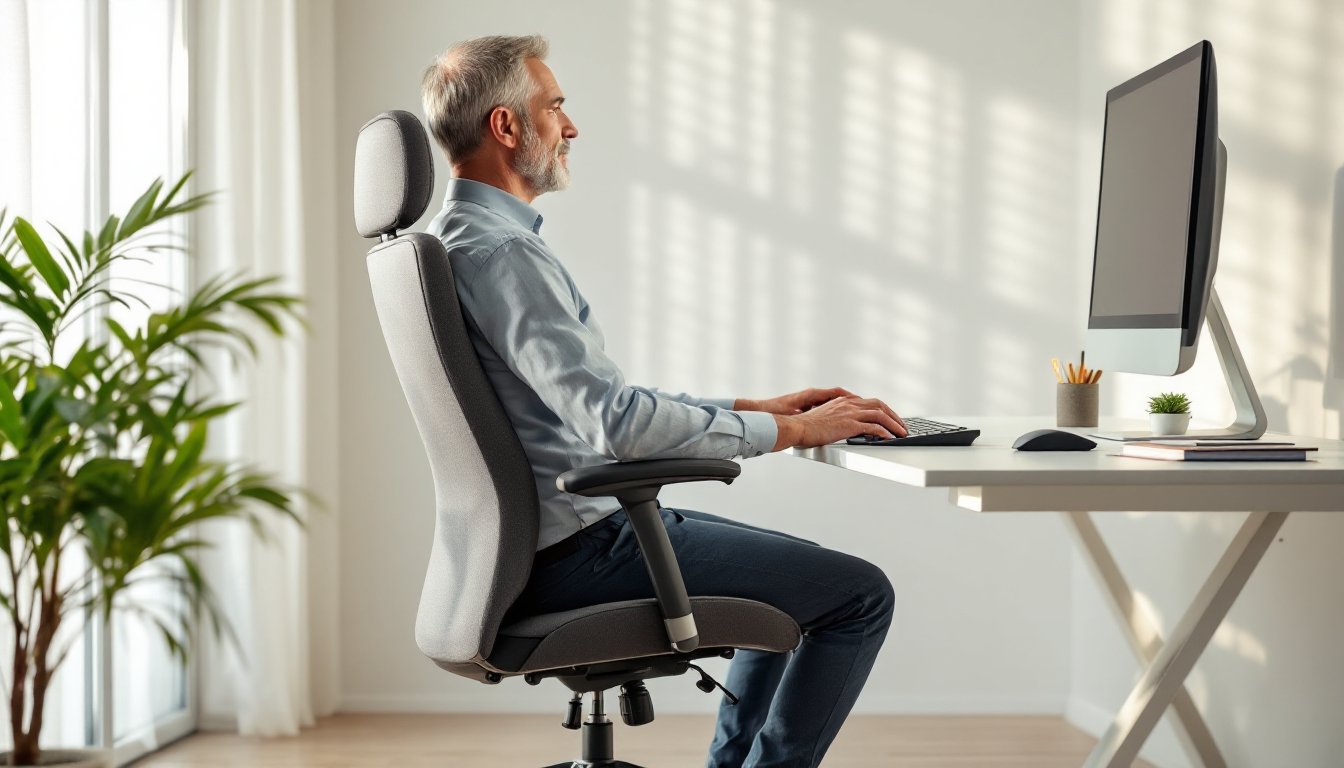

Working from home has become the new normal, and your office chair plays a bigger role in your comfort and productivity than you might realize. Spending eight hours a day in the wrong ergonomic office desk chair can leave you with a sore back, stiff neck, and a frustrating lack of focus. A properly designed ergonomic chair doesn’t just feel better, it supports good posture, reduces strain on your spine, and helps you power through your workday without physical fatigue dragging you down. Whether you’re building out a brand-new home office or upgrading from an uncomfortable hand-me-down, understanding what makes a chair truly ergonomic will help you make a smart investment in your health and work performance.
Table of Contents
ToggleKey Takeaways
- An ergonomic office desk chair supports your spine in a neutral position, reducing chronic back pain and improving productivity during your workday.
- Prioritize adjustable lumbar support, seat height adjustment, and proper backrest height—these core features matter more than premium add-ons or brand names.
- Set up your ergonomic chair correctly by ensuring your feet are flat, thighs parallel to the ground, and elbows at 90 degrees, then make fine adjustments over your first week.
- Budget-friendly options like mid-range chairs ($200–400) or DIY upgrades with lumbar pillows can provide solid ergonomic support without major expense.
- Proper monitor and keyboard placement at arm’s length distance is critical for your overall ergonomic office setup to be effective.
Why Ergonomic Office Chairs Matter for Your Home Office
Your spine isn’t built to be compressed for eight hours straight. When you slouch or sit in a chair that doesn’t support your natural curve, the discs between your vertebrae take a beating, and your muscles work overtime to keep you upright. Over weeks and months, this compounds into chronic back pain, poor circulation, and decreased productivity.
An ergonomic office desk chair is engineered to align with your body’s natural shape. It keeps your spine in a neutral position, your elbows at a 90-degree angle, and your feet flat, the biomechanical sweet spot that minimizes strain. Studies on workplace ergonomics consistently show that workers in properly supported seating experience fewer pain complaints, take fewer sick days, and maintain better focus. Since you’re spending a large chunk of your life in that seat, investing in a good chair is one of the smartest moves you can make for your home office setup.
Key Features to Look For in an Ergonomic Chair
Not all office chairs are created equal, and marketing jargon like “ergonomic” gets slapped on products that barely support your back. Here’s what actually matters when you’re comparing options.
Lumbar Support and Spinal Alignment
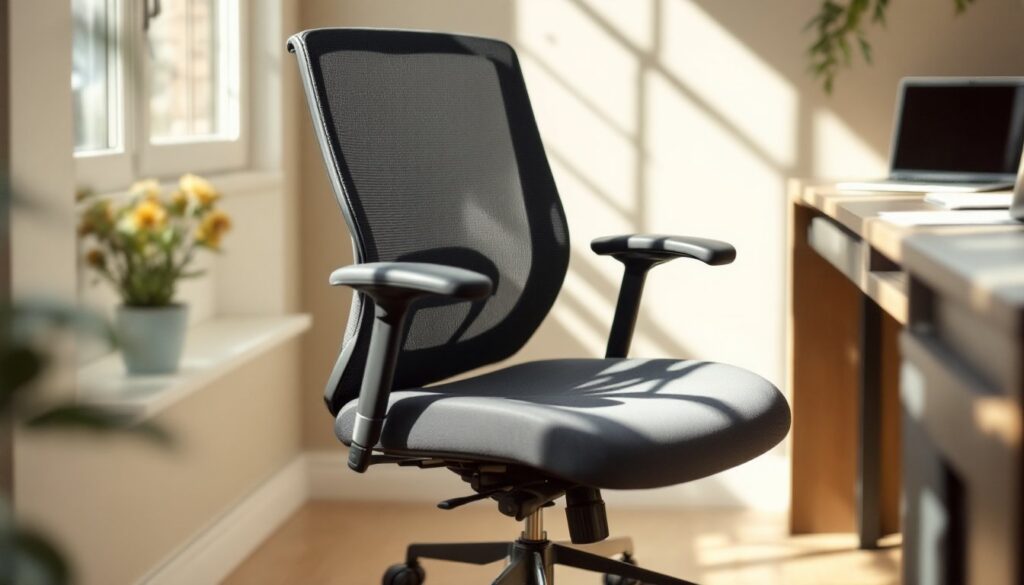
Lumbar support is the foundation of a good office chair. This is the curve that matches your lower back, your lumbar spine naturally bows inward (called lordosis), and your chair needs to support that shape, not flatten it. Look for chairs with adjustable lumbar support so you can dial in the exact level of firmness your back needs. Some chairs have a fixed curve that works for standard builds, but adjustable lumbar support is worth the extra cost because it lets you fine-tune comfort over time as you figure out what works best for your body.
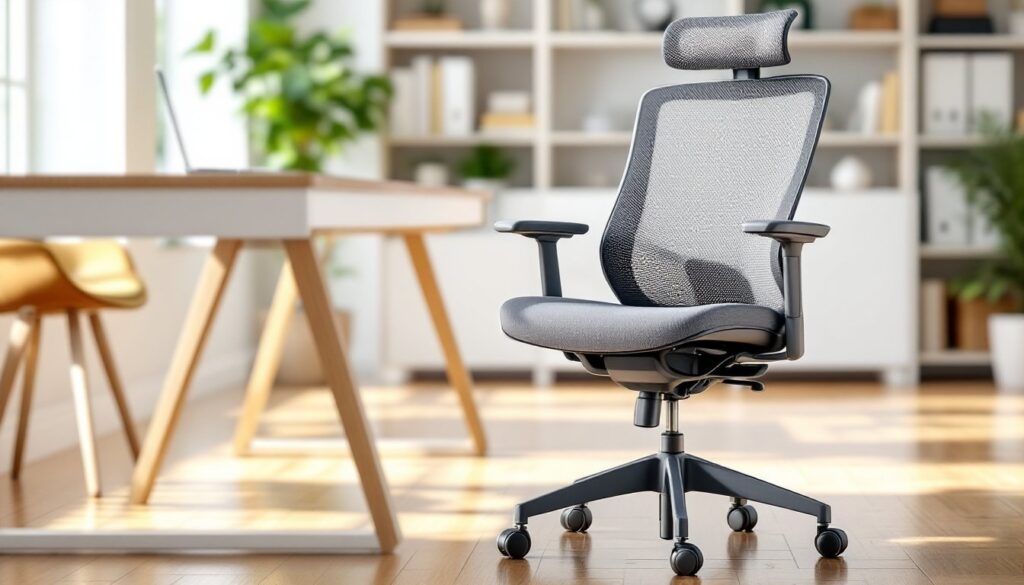
The backrest should extend high enough to support your upper back and shoulders too. Your neck shouldn’t be craning forward or hyperextending backward, your gaze should naturally fall on your monitor at eye level. If your chair’s backrest doesn’t reach your shoulder blades, you’re missing crucial support that can lead to neck strain.
Adjustability and Customization Options
A good ergonomic chair should have multiple adjustment points. At minimum, look for:
- Seat height adjustment (pneumatic cylinder): You need to raise or lower the seat so your feet rest flat on the floor and your thighs are parallel to the ground. Nominal range is usually 17–21 inches from floor to seat.
- Backrest recline (tension control): This lets you lock the backrest at your preferred angle. You shouldn’t feel forced to lean back, but gentle recline options help during longer work sessions.
- Armrest adjustment (height and width): Your elbows should rest comfortably without your shoulders hunching or elbows splaying out. Armrests that move up and down and in and out give you the most flexibility.
- Seat depth adjustment: If the seat pan is too deep, it’ll press into the back of your knees: too shallow and you’ll slide off. Some premium chairs let you adjust this.
If you’re shopping on a tight budget, prioritize height adjustment and lumbar support over having every bell and whistle. Those two features alone will solve most comfort issues.
How to Set Up Your Ergonomic Chair Correctly
Even the best ergonomic office desk chair won’t help if it’s set up wrong. Take fifteen minutes to dial in these settings before you start your workday.
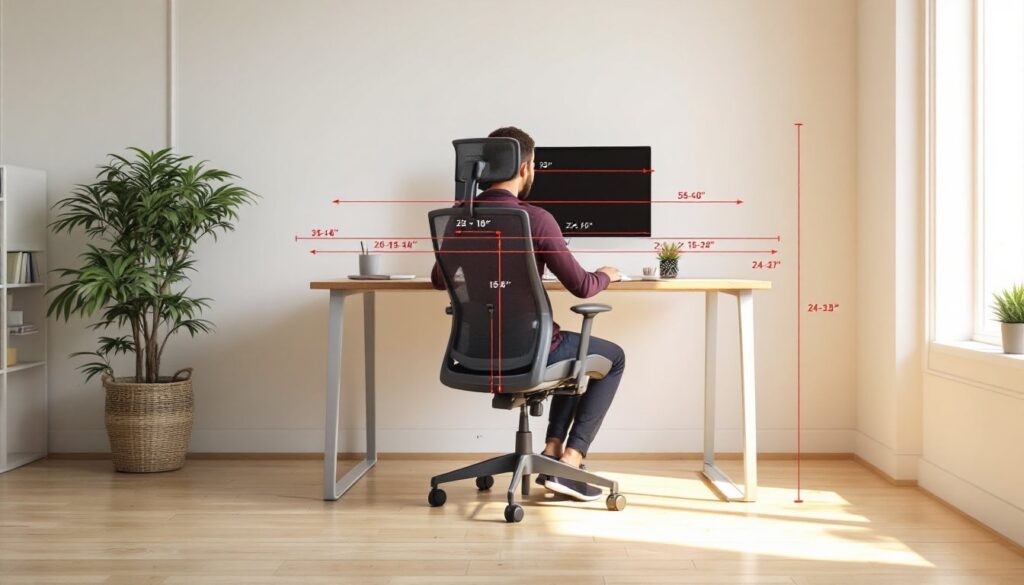
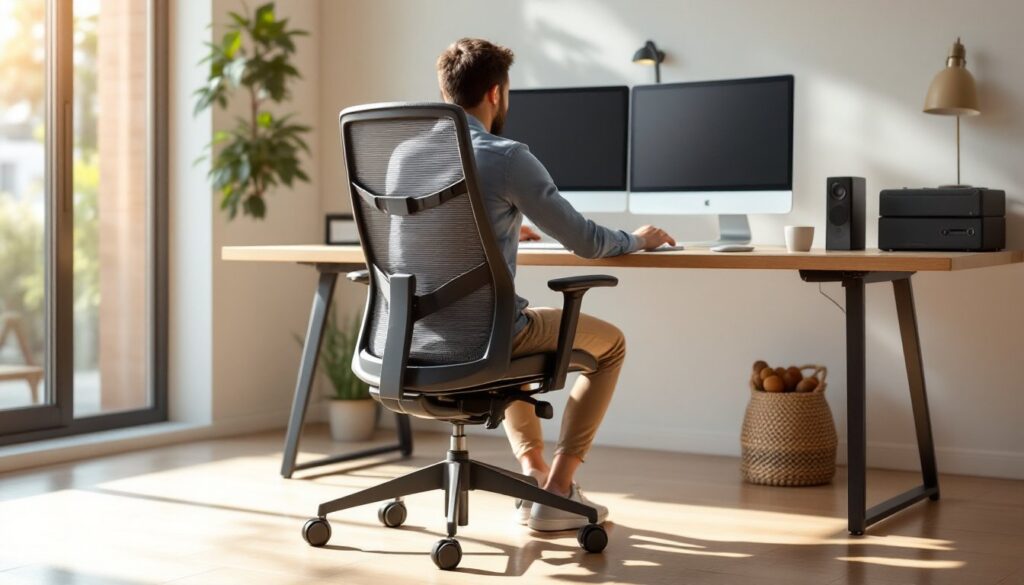
Seat height: Sit all the way back in the chair with your feet flat on the floor. Your knees should bend at roughly 90 degrees, and your thighs should be parallel to the ground. If your feet dangle or your knees hike up, adjust the pneumatic cylinder until you hit that sweet spot. Your chair may come with instructions on operating the height lever, usually a gas cylinder operated by a lever on the side.
Lumbar support: Adjust the lumbar curve to match the inward bend of your lower back. Sit upright (not slouched) and feel where your spine naturally curves. If your chair has a dial or knob, experiment with the tension until you feel supported without being shoved forward. The goal is subtle support, not aggressive bracing.
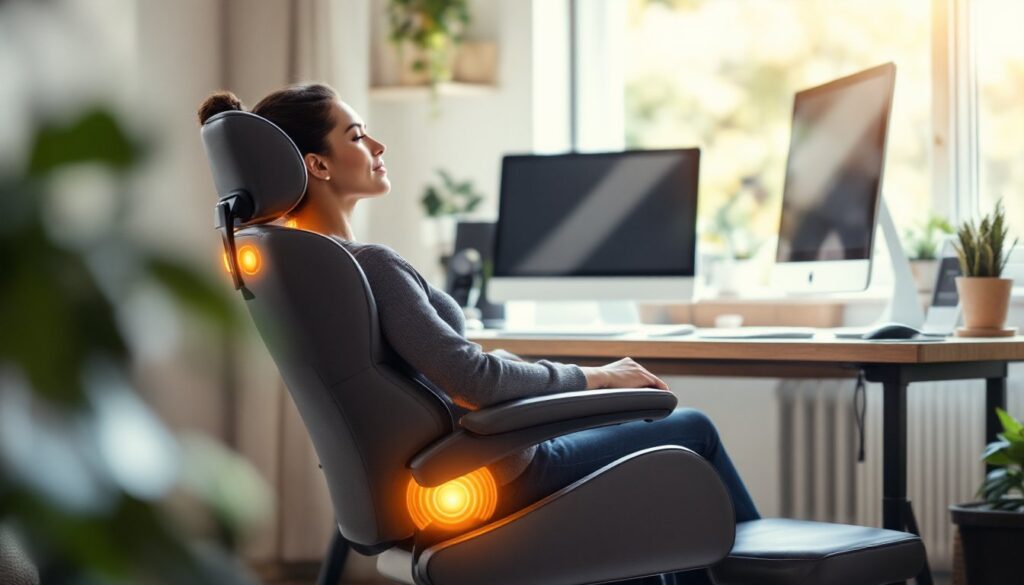
Backrest angle: Lock the backrest at a slight angle, usually 100–110 degrees works well. Avoid fully upright or fully reclined: a gentle backward tilt takes pressure off your discs while keeping you engaged.
Armrest height: Rest your elbows on the armrests while your hands rest on your keyboard. Your elbows should bend at 90 degrees, and your shoulders shouldn’t shrug or drop. If armrests are too high or too low, adjust them or consider removing them if the chair’s design makes them problematic.
Monitor and keyboard placement: Position your monitor about an arm’s length away (roughly 20–30 inches), with the top of the screen at or just below eye level. Your keyboard should be close enough that your elbows stay at 90 degrees. This isn’t about the chair itself, but it’s critical for the overall setup to work.
Make small adjustments over the first week. Your body needs time to settle into new positioning, and what feels right on day one might need tweaking after a few hours of work.
Budget-Friendly Ergonomic Chair Solutions
If you’re working with a limited budget, you don’t have to buy the most expensive office chair on the market. Here are realistic ways to get ergonomic support without very costly.
Basic mid-range office chairs ($200–400) often include adjustable lumbar support, height adjustment, and basic armrests. They may not have every fancy feature, but they cover the fundamentals. Look for chairs with positive reviews specifically mentioning back support and durability, that’s a better indicator than flashy marketing.
DIY upgrades can extend the life of an older chair or improve one that’s mostly comfortable but slightly off. Adding a memory foam lumbar pillow ($30–60) can give you adjustable support if your chair’s built-in lumbar is fixed. A cushioned seat pad ($20–40) helps if the original padding has compressed. These aren’t permanent solutions, but they’re worth trying before you replace the entire chair. Sites like Instructables and IKEA Hackers have creative ideas for modifying and upcycling chairs on a budget.
Purchasing timing matters. Office furniture often goes on sale at the end of quarters or during back-to-school sales. Buying slightly older models that are being cleared out can save you 20–30% without sacrificing core features.
If your current setup feels cramped, a small desk for home office paired with a quality chair can actually improve your overall comfort by giving you better desk positioning. Similarly, if you share your workspace with a partner, a two person desk home office combined with two solid ergonomic chairs keeps everyone comfortable during shared work sessions.
For a cohesive workspace aesthetic, pairing your chair with a white home office desk or other neutral furniture keeps the focus on function without visual clutter. The chair’s color and style matter less than how well it supports your body, don’t overspend on looks if the ergonomics don’t match your needs.
Conclusion
A good ergonomic office desk chair is an investment in your daily comfort and long-term health. Focus on lumbar support, adjustability, and proper setup over fancy features or brand names. Test the chair if possible, read reviews from people with similar body types, and don’t hesitate to make small adjustments during your first week. Your back will thank you for taking the time to get it right.