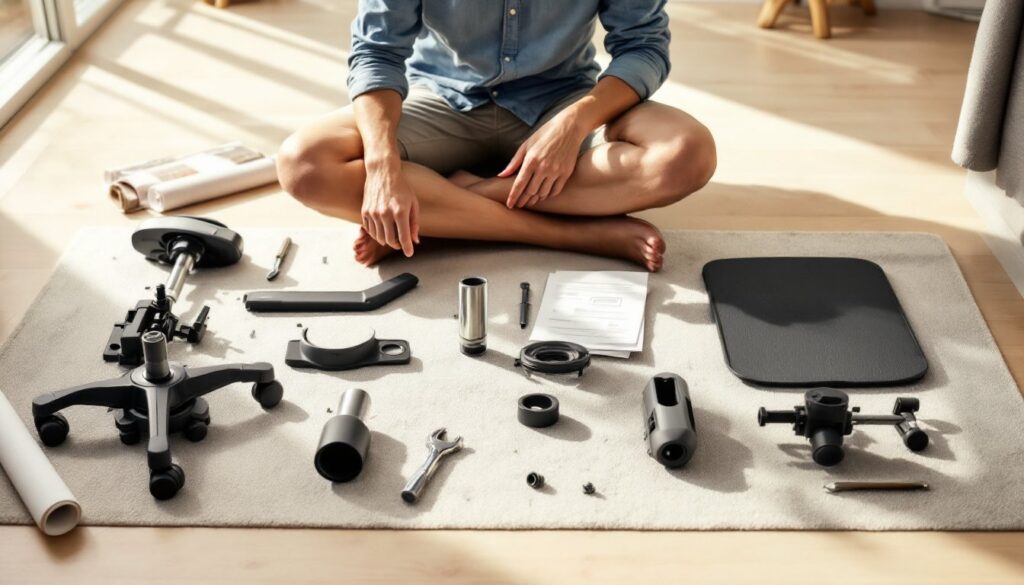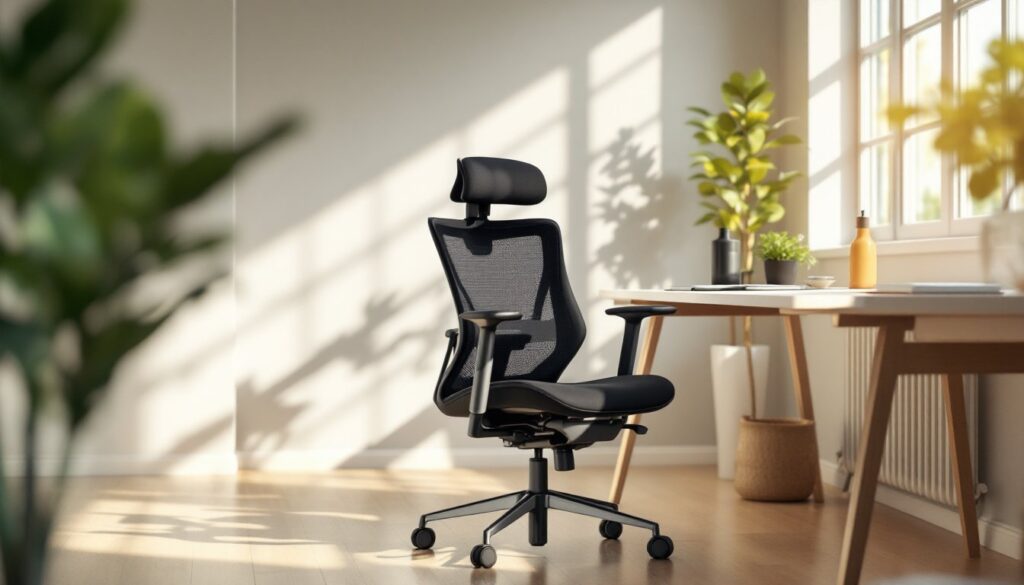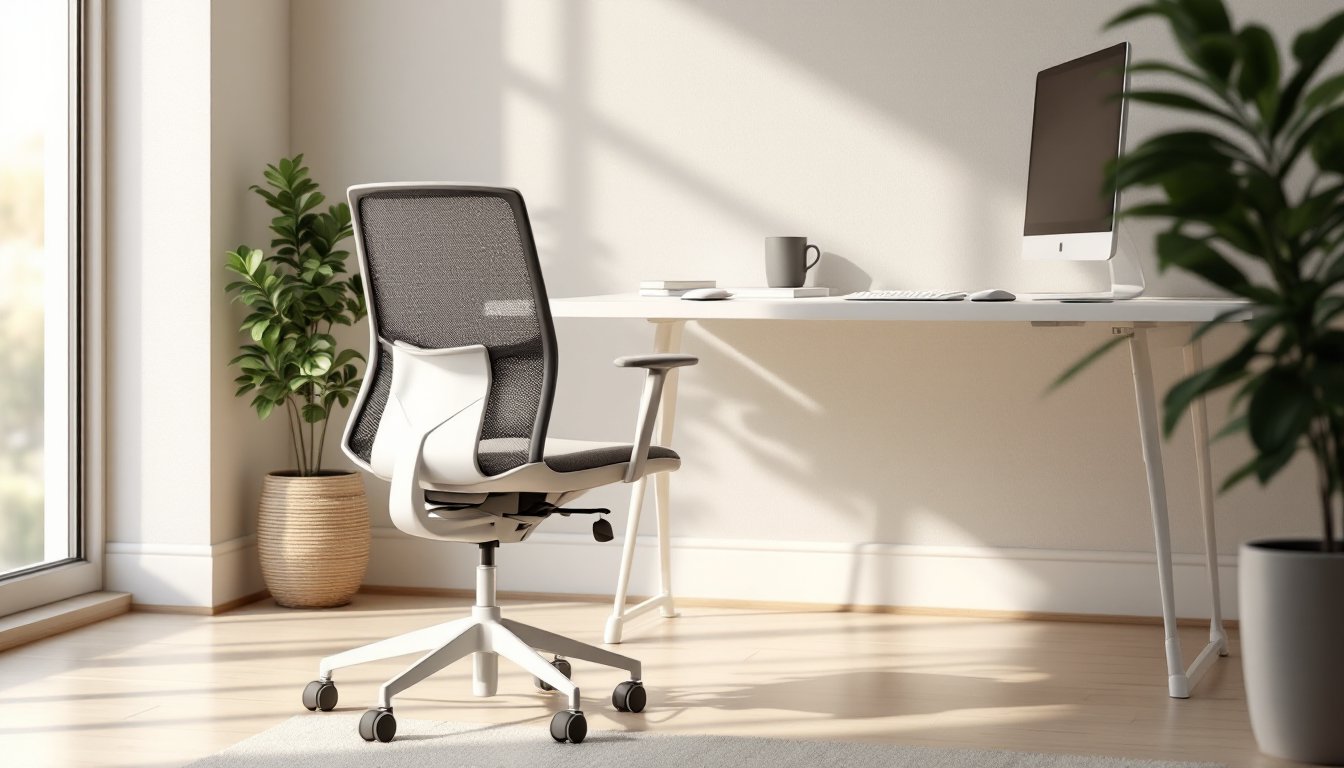

An office chair without arms might seem like an odd choice at first, don’t we all need somewhere to rest our elbows? But armless office chairs have become a smart solution for people redesigning their home offices. They take up less floor space, reduce clutter around the desk, and can actually improve posture for certain tasks. Whether you’re looking to open up a cramped corner workspace or simply want a cleaner aesthetic, an armless office chair offers flexibility and practical benefits that traditional task chairs can’t match.
Table of Contents
ToggleKey Takeaways
- An office chair without arms saves floor space in compact home offices while creating a cleaner, more refined aesthetic than traditional task chairs.
- Armless chairs encourage better posture by engaging your core and reducing shoulder tension, especially when alternating between typing and reading tasks.
- Look for adjustable lumbar support, a waterfall seat edge, and proper height adjustment (typically 4–5 inches of range) to ensure ergonomic comfort throughout your workday.
- Back support becomes more critical in an armless office chair since you lack arm rests for anchoring, making contoured or memory-foam backs essential for spinal alignment.
- Proper desk setup—with elbows at 90 degrees, monitor at eye level, and keyboard positioned close—matters as much as the chair itself to prevent strain and discomfort.
- Consider alternating between a standard task chair and alternative designs like kneeling chairs or saddle stools to interrupt long sitting sessions and engage different muscle groups.
Why Choose An Armless Office Chair
Armless office chairs solve a real problem in smaller home offices. If you’re working with a compact desk setup or a corner nook, every inch matters. Removing arms cuts down on the chair’s overall footprint, making it easier to slide under your desk or fit into tight quarters without that awkward overhang that eats into floor space.
Beyond pure square footage, armless chairs encourage different posture habits, and that can be a good thing depending on your workflow. When you don’t have armrests to lean on, you’re more likely to engage your core and keep your shoulders back naturally. This works especially well if you alternate between tasks: typing at the desk, then leaning back to read or think. Some people find that removing that crutch actually reduces shoulder tension over the course of a workday.
There’s also a visual benefit. A sleek, minimal armless chair creates a cleaner, less cluttered look in your home office. You can pair it with statement legs, an upholstered bucket shape, or a simple mesh back, all of which look more refined than a bulky executive chair with massive padded arms. And if you ever need to move your setup around or reconfigure the room, an armless chair is easier to maneuver and position.
Types of Armless Office Chairs
Task Chairs and Desk Seating
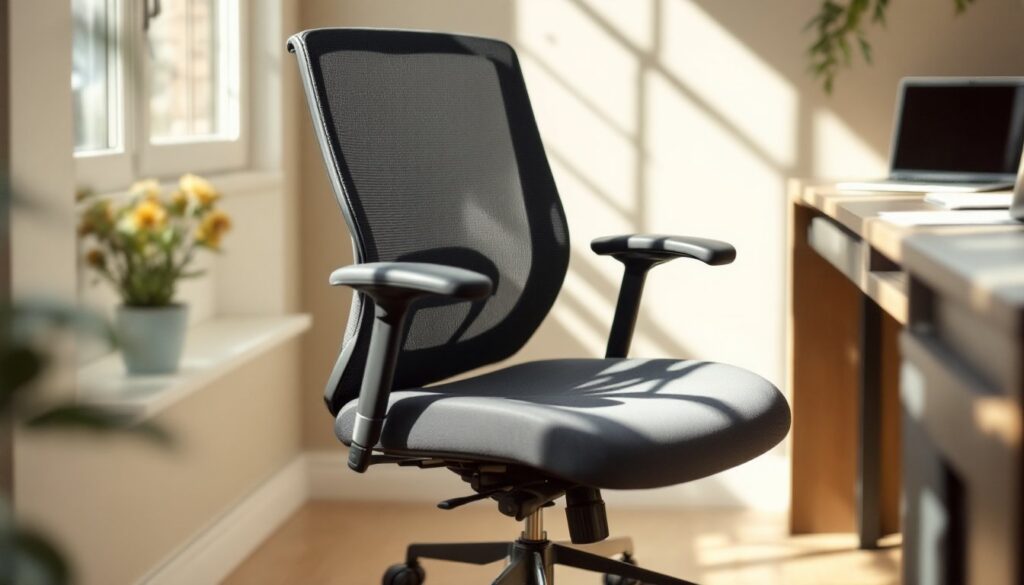
A classic task chair without arms is the most common option. These look like a stripped-down version of a traditional office chair: they have a height-adjustable pneumatic cylinder (gas lift), a swivel base, wheels (casters), and a seat cushion. The back support ranges from minimal mesh to full lumbar support, depending on the model. These are ideal if you spend 4+ hours a day at your desk and need genuine ergonomic support without the bulk of armrests.
When shopping for a task chair, look for models that offer adjustable lumbar support and a waterfall seat edge, that’s the slight downward curve at the front of the cushion that reduces pressure on your thighs. Height range matters too: make sure the chair adjusts from your lowest to highest sitting position with your feet flat on the floor.
Kneeling Chairs and Alternative Designs
Kneeling chairs take a completely different approach. Your weight is split between a small seat and padded knee support, putting your hips and knees at roughly a 120-degree angle. The idea is that this opens up your hip flexors and engages your core, reducing lower-back strain. They’re not meant for all-day sitting, more like 20 to 60 minutes at a time, but they’re great for interrupting long desk sessions.
Alternative armless designs include saddle stools, which force you to sit upright with engaged posture, and wobble cushion chairs, which add slight instability to activate stabilizer muscles. These are niche options but worth exploring if you want to mix up your seating throughout the day. Many home offices benefit from rotating between a standard task chair and one of these alternatives, rather than sitting in the exact same position for eight hours.
Key Features to Look For
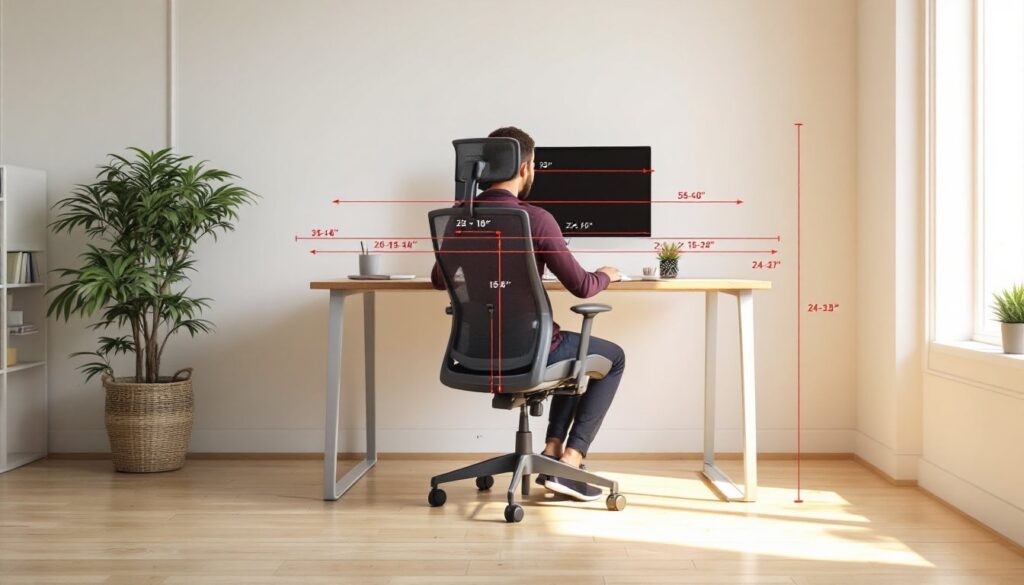
Seat height and adjustment range is non-negotiable. Your feet should rest flat on the floor (or on a footrest) with your knees at a 90-degree angle when seated. Check that the chair’s minimum height clears your desk when rolled underneath, and that the maximum height works for your frame. Most adjustable cylinders offer a range of 4 to 5 inches, which covers most adult body types.
Back support matters more in an armless chair because you’re not anchored by rests. Look for contoured or memory-foam backs that support the natural curve of your spine. Mesh backs breathe well if your office tends to get warm, while padded backs offer more cushioning. If you have existing back issues, don’t skip this, a flat, unsupported back can make problems worse.
Wheel quality affects how smoothly the chair moves. Hard-floor casters (usually plastic) work on carpet and tile but can slide too easily on smooth floors. Soft-floor casters (rubber) grip carpet but stick on hard floors. Choose based on your flooring, or invest in a chair mat if you’re on slippery surfaces.
Base stability is another practical consideration. A five-point base is the standard for stability and is nearly impossible to tip, even when you lean back. Seats made from high-density foam or gel-infused memory foam hold their shape longer than cheap padding and reduce the soreness that comes from thin cushions.
Finally, check the weight capacity and overall build quality. Even if you’re not at the maximum weight limit, a chair rated for higher weight typically uses thicker steel in the base and more durable materials throughout. Interior design ideas for, and that starts with a sturdy, well-built chair.
Setup Tips for Your Home Office
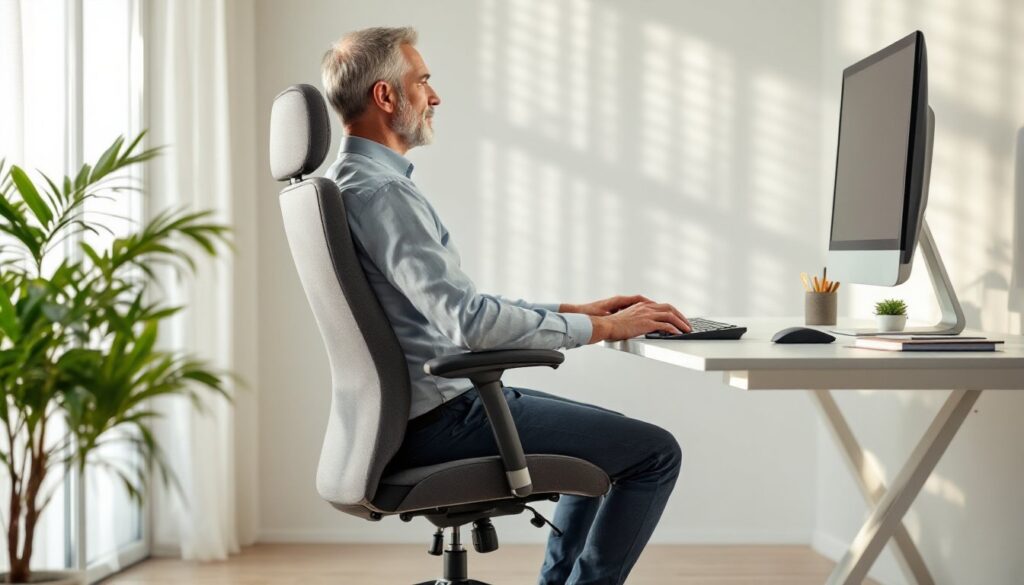
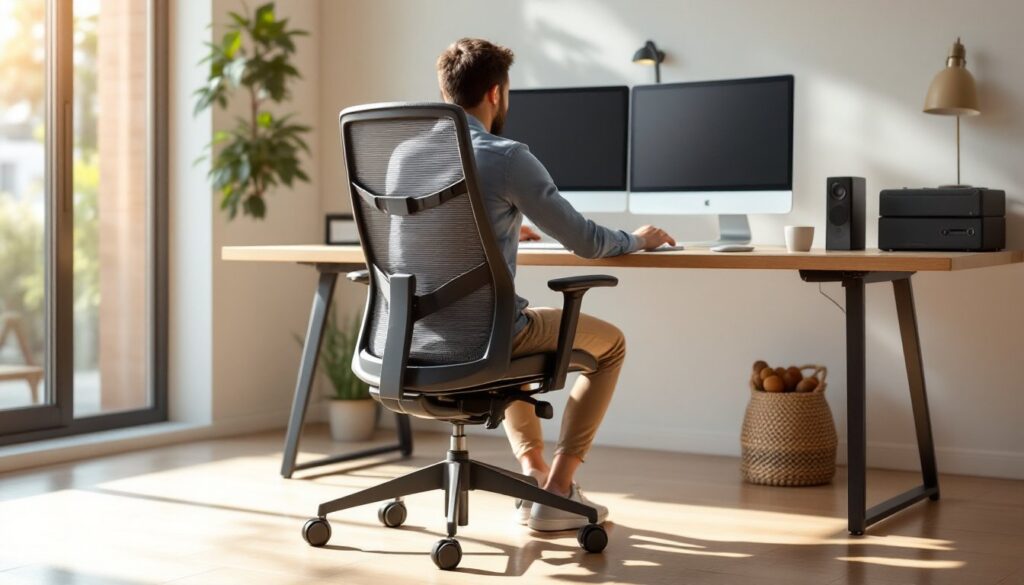
Once you’ve chosen your armless chair, setup matters as much as the chair itself. Position your desk height so your elbows sit at 90 degrees when your arms are relaxed at your sides. If your desk is too high or too low, you’ll fight against it all day, and no chair can fix that. A monitor should be at eye level when you’re sitting upright, usually 20 to 26 inches away from your face.
Without armrests, your shoulders bear more of the load during typing and mousing. Invest in a keyboard tray or pull your keyboard closer to reduce reach and strain. Your mouse should be right next to your keyboard, not splayed out to the side. If you find yourself reaching or twisting, your desk layout is the culprit, not the chair.
Pain or discomfort in the first week or two isn’t always a sign the chair is wrong, your body might just be adjusting to different posture. Give yourself at least a week of normal use before deciding. If problems persist beyond that, you may need a different back-support style or a lumbar pillow for extra reinforcement.
For a cohesive look, pair your armless chair with other minimal furniture. IKEA Hackers offers creative hacking ideas for pairing budget chairs with custom components, or Ana White has free DIY furniture plans if you want to build a matching desk or shelving unit. Armless seating looks best when it’s part of a deliberate, uncluttered design rather than an afterthought.
Conclusion
An office chair without arms isn’t right for everyone, but it’s worth considering if space, aesthetics, or posture are priorities in your home office. The best armless chair depends on your budget, the hours you spend sitting, and your back’s specific needs. Test before you buy if possible, sit in a few models at a showroom or read detailed reviews from people with similar body types. Once you’ve found the right one and dialed in your desk ergonomics, you’ll have a workspace that feels open, functional, and ready for focused work.