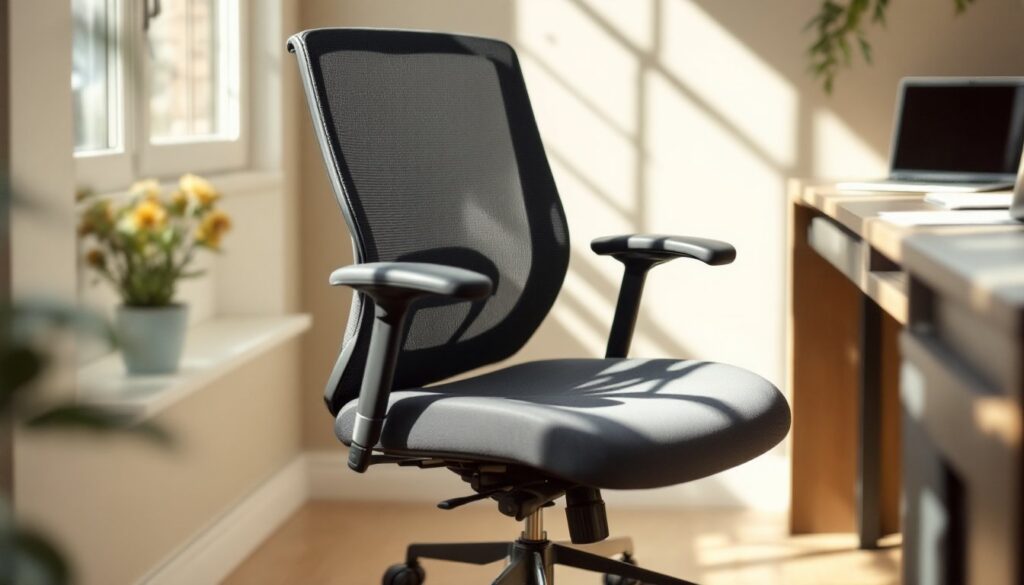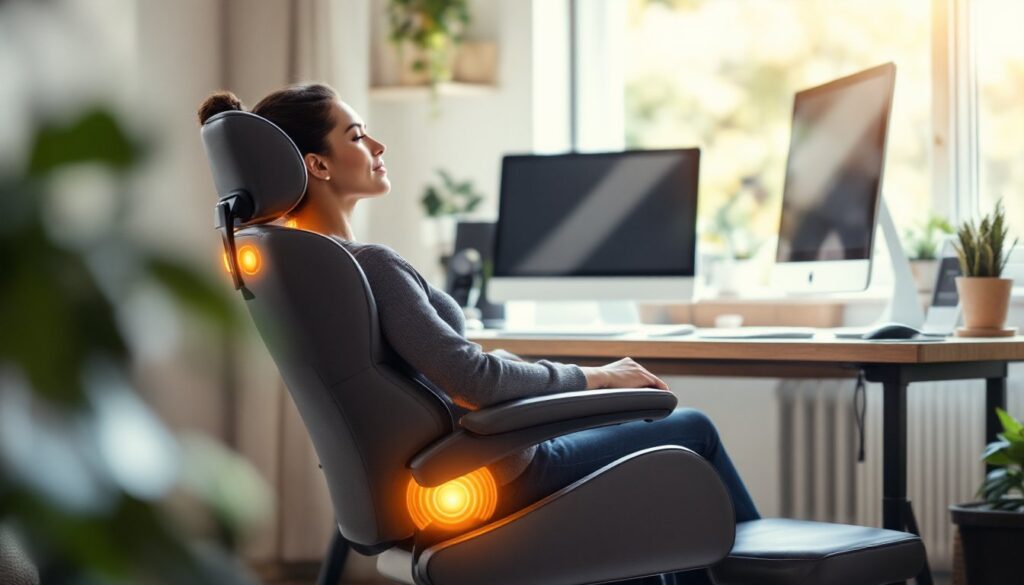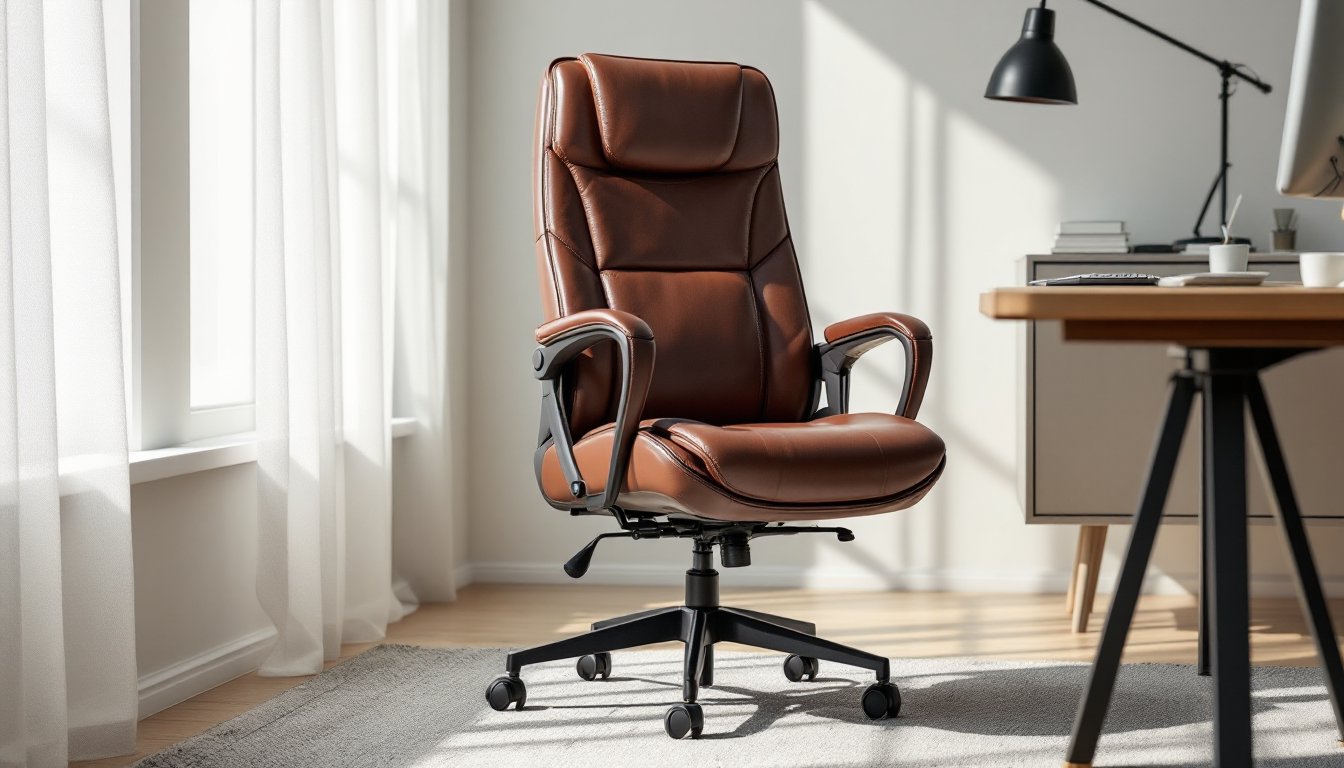

If you’re spending eight-plus hours a day in a desk chair, you’ve probably noticed your lower back complaining by 3 p.m. A leather ergonomic office chair does more than look polished in a home office, it’s an investment in your spine, posture, and comfort during long work sessions. Unlike those flimsy task chairs from a big-box store, a well-designed ergonomic chair supports your natural spinal curve and keeps you upright without feeling rigid. This guide walks you through what matters when shopping for a leather ergonomic office chair, how to set one up properly, and how to keep it in shape for years to come.
Table of Contents
ToggleKey Takeaways
- A leather ergonomic office chair supports proper spinal alignment through adjustable lumbar support and positioning that keeps your hips, knees, and ankles at 90-degree angles for long work sessions.
- Choose full-grain or top-grain real leather over synthetic bonded alternatives, as genuine leather breathes better, lasts years longer, and develops character while resisting cracks and peeling.
- Proper setup is critical—adjust seat height so your feet rest flat on the floor, position lumbar support at your lower spine curve, and place your monitor at eye level to prevent neck strain and poor posture.
- Pigmented leather requires less maintenance than aniline leather and better resists stains and UV fading, making it the ideal choice for busy home offices with moderate sunlight exposure.
- Maintain your leather ergonomic office chair weekly by vacuuming and blotting spills, conditioning monthly with furniture-grade leather cream, and checking seams and the pneumatic cylinder regularly to extend its lifespan to a decade or more.
Why Ergonomic Office Chairs Matter for Home Workers
Working from home removes the commute, but it doesn’t remove poor posture. If anything, home workers sit longer without the natural movement breaks of an office environment. Bad sitting habits compound over weeks and months, rounded shoulders, forward head posture, and lower back pain become your new normal.
An ergonomic office chair forces better positioning. It does this through lumbar support (that curve at your lower back), adjustable seat height, and armrest angles that keep your shoulders relaxed. Real ergonomic design means your hips, knees, and ankles sit at roughly 90-degree angles, your feet rest flat on the floor or footrest, and your screen is at eye level when your head stays neutral.
Leather specifically appeals to home workers because it’s easy to clean, looks professional on video calls, and doesn’t trap heat the way mesh or fabric can. A genuine leather chair also ages well, proper care means it can outlast a mesh chair by years. The upfront cost is higher, but the durability and aesthetic longevity make it worth the investment for someone working at home full-time.
Key Ergonomic Features to Look For in Leather Office Chairs
Not every leather chair that reclines is ergonomic. True ergonomic design checks several boxes, and you should verify them before buying.
Lumbar Support and Spinal Alignment
Your lumbar spine (the lower five vertebrae) has a natural forward curve called lordosis. A chair without proper lumbar support forces your spine into a C-shape, which fatigues discs and ligaments. Look for chairs with adjustable lumbar support, usually a lever or dial behind the seat that lets you dial in the depth and height of that lower-back cushion.
The best chairs let you move the lumbar support up, down, or forward/backward. Fixed lumbar support works for average-sized people, but everyone’s proportions differ. If you’re 5’2″ or 6’3″, a one-size-fits-all lumbar curve won’t hit the right spot. Neutral spinal alignment means your ears, shoulders, hips, and knees stack vertically. Your neck shouldn’t bend forward to see your screen, and your lower back shouldn’t flatten against the seat. Test this in person if possible, sit in the chair for 10–15 minutes and feel where the lumbar pad touches your spine.
Seat Height and Adjustability
Your seat height controls leg and hip positioning. Nominal seat height ranges from 17 to 21 inches for standard office chairs, but the best ones offer at least a 4-inch range of adjustment via pneumatic cylinder (a spring-loaded height mechanism).
When sitting, your thighs should be parallel to the floor, feet flat on the ground. If your feet dangle or your knees press into the seat edge, the height is wrong. Adjustable armrests matter too, they should support your forearms at roughly elbow height when your shoulders are relaxed. If armrests force your shoulders up or don’t support you at all, look elsewhere. Tilt tension (the resistance when you lean back) should also be adjustable: a chair that’s too stiff prevents micro-movements, while one that’s too loose causes you to slouch backward. Many ergonomic chairs include a tilt-lock feature so you can keep the backrest at a fixed angle if reclining isn’t part of your work style.
How to Choose the Right Leather Material for Durability
Not all leather is created equal, and chair leather takes a specific pounding. Real leather, either full-grain or top-grain, breathes better and lasts longer than synthetic alternatives, but price and maintenance differ significantly.
Full-grain leather is the top layer of the hide with the grain intact. It’s the strongest, develops character over time (slight color shifts and creasing), and costs the most. It also requires regular conditioning with leather cream to prevent cracking. Top-grain leather is sanded and treated, making it more uniform and easier to clean, but it’s less durable than full-grain. It still requires occasional conditioning but is more forgiving if you miss a treatment cycle.
Bonded leather and PU (polyurethane) leather are synthetic blends that mimic leather appearance. They’re cheaper and nearly stain-proof, but they crack and peel within 3–5 years of regular use. If you’re investing in an office chair you’ll use 40+ hours weekly, avoid bonded leather.
When shopping, ask whether the leather is aniline-dyed or pigmented. Aniline leather absorbs dyes, feels softer, and shows wear patterns more visibly, this appeals to people who want their chair to patina like a vintage jacket. Pigmented leather has a protective coating, resists stains and UV fading better, and looks consistent throughout its life. For a home office, pigmented leather is lower-maintenance and hides minor scuffs. Pages like Houzz’s curated office chair selection showcase real leather options with durability ratings so you can compare construction quality. Check the warranty, legitimate leather chair manufacturers back their upholstery for 3–5 years, while discount brands often offer none.
Setting Up Your Ergonomic Chair for Maximum Comfort
Buying the right chair is half the battle. Setup is where most home workers fall short. A perfect chair in the wrong position still causes pain.
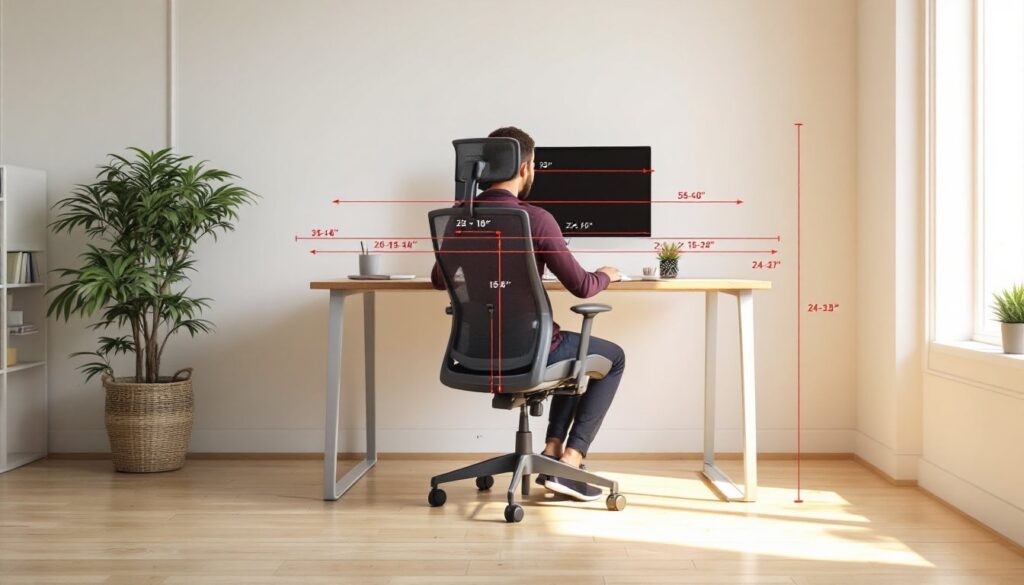
Start with desk height. Your desk should sit roughly 28–30 inches from the floor (standard height), but the real measure is your elbows. When sitting in your chair with good posture, your elbows should bend at 90 degrees, and your forearms should float parallel to the floor when you reach your keyboard. If your desk is too low, you’ll slouch forward. Too high, and your shoulders ride up toward your ears.
Next, adjust seat height so your feet rest flat on the floor or a footrest. Your thighs should be parallel to the ground, not sloped upward toward your hips. If your feet dangle after adjusting the chair as low as it goes, a footrest becomes essential, it prevents your legs from swinging and your lower back from rounding.
Positioning lumbar support comes next. Sit all the way back against the backrest. Locate the curve of your lower spine (roughly where your belt buckle sits). Adjust the lumbar dial or lever until that support pad meets that curve directly. It should feel supportive, not pushed, and definitely not creating a gap between your back and the backrest.
Armrests should rest under your elbows without forcing your shoulders up or leaving a gap. If your chair’s armrests are fixed, you can pad them with adhesive foam or adjust your desk position to compensate. Your monitor should sit at arm’s length away (about 20–26 inches) and at eye level when looking straight ahead. Looking down at a screen for hours flattens your cervical curve and causes neck strain. If you’re tall or using a laptop on a desk, a monitor riser or laptop stand becomes non-negotiable, this is where many remote workers stumble. Sites like Young House Love share budget-friendly workspace setups that show how small adjustments transform comfort without overhauling your entire desk.
Caring for Your Leather Office Chair
Leather is durable, but it’s not indestructible. Sweat, dust, and UV light break down the finish over time. With basic care, a quality leather chair can look great for a decade.
Weekly upkeep involves vacuuming your chair with an upholstery attachment to remove dust and crumbs. Spills happen, blot (don’t rub) with a soft, dry cloth immediately. For water-based stains like coffee, a damp microfiber cloth with distilled water works: for oily stains, a small amount of leather cleaner (pH-balanced, not household cleaners) cuts through it.
Monthly conditioning keeps leather from drying and cracking. Use a leather conditioner designed for furniture, not car leather conditioner or mink oil, which can over-soften upholstery. Apply a small amount with a soft cloth, working it into the leather in circular motions. Wipe away excess. This step is less critical for pigmented leather than aniline, but both benefit from it twice yearly at minimum.
Avoid sunlight. Position your desk away from direct windows if possible. UV rays fade and harden leather faster than anything else. If your office gets afternoon sun, consider a light curtain or shade. Similarly, keep your chair away from heat sources (radiators, vents) and humidity extremes, moisture promotes mold in leather.
Check seams and stitching every few months. If threads are loose or seams are separating, address them early. A leather repair shop can reinforce stitching for $30–$60, preventing a small issue from becoming a seat-splitting disaster. Also inspect the base, casters, and cylinder regularly. A failing pneumatic cylinder (the part that holds your height adjustment) costs $50–$100 to replace but will render the chair useless if ignored. High-traffic DIY communities like Instructables sometimes feature chair repair projects, though a professional upholsterer is safer for structural work.