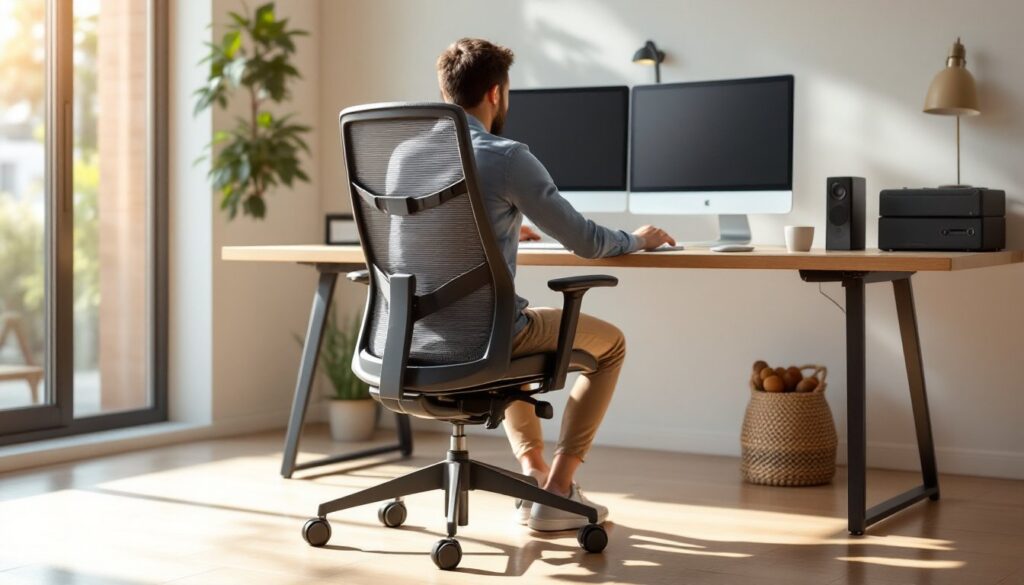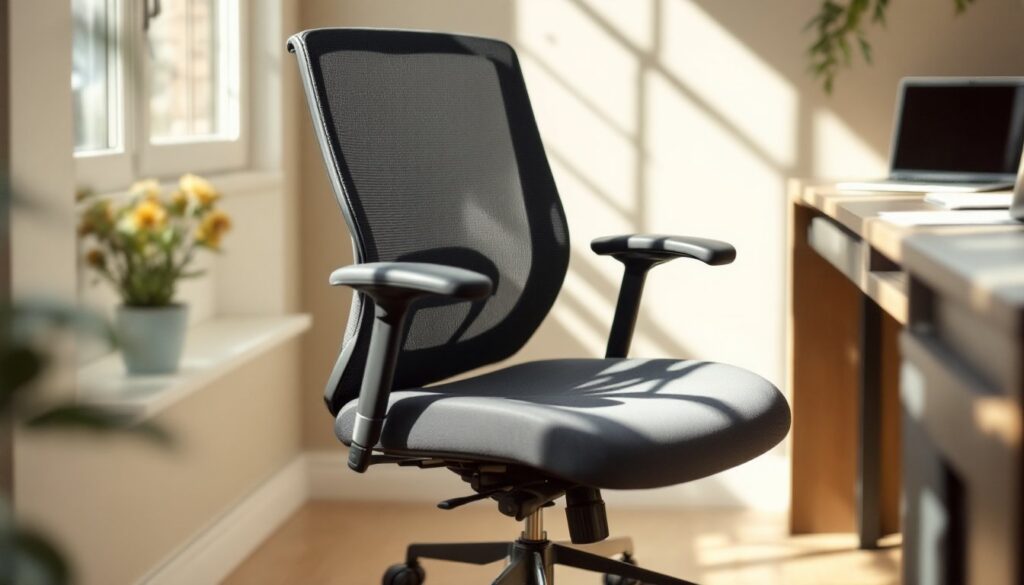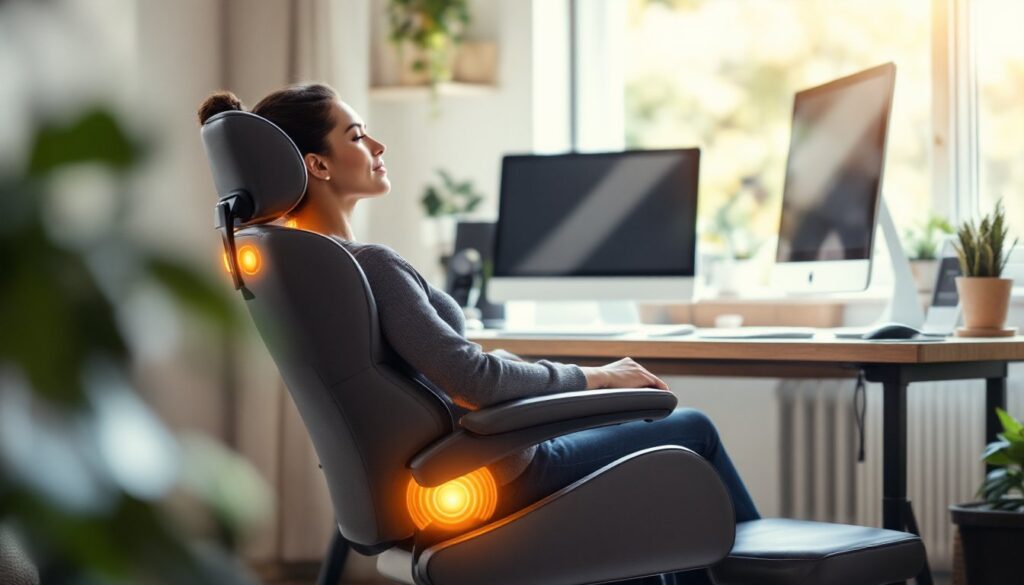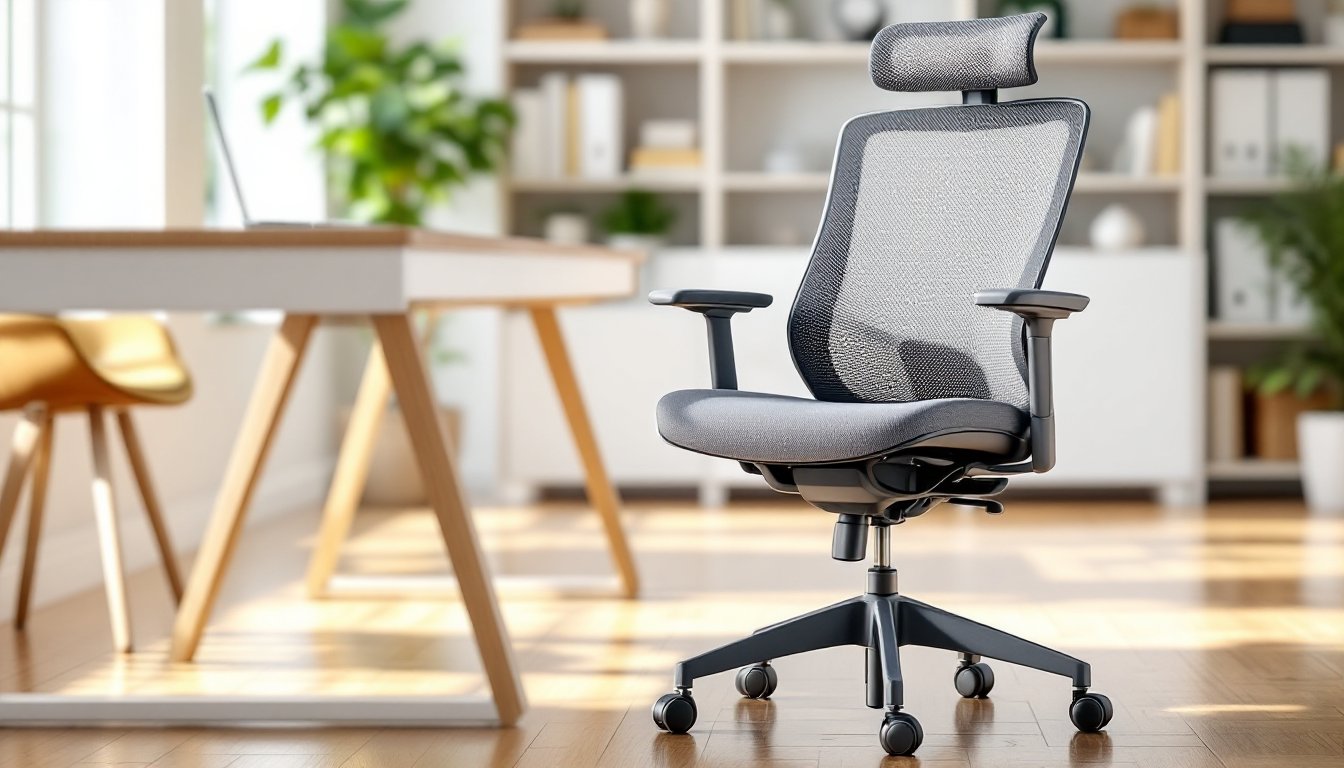

Spending eight hours or more in an uncomfortable office chair can torpedo your productivity and leave your back screaming by day’s end. Whether you’re setting up a home office for the first time or upgrading from that hand-me-down from 2015, choosing the right office chair isn’t just about comfort, it’s an investment in your health and work performance. The best office chair staples go beyond flashy marketing: they deliver real lumbar support, durability, and adjustability at a price point that doesn’t require a second mortgage. This guide walks you through the key features to prioritize so you can find a chair that actually fits your body and workspace, not just the design aesthetic of your Pinterest board.
Table of Contents
ToggleKey Takeaways
- Proper lumbar support and adjustable backrest mechanisms are non-negotiable office chair staples that protect your spine and boost productivity during long work days.
- Seat dimensions matter: ensure your feet rest flat with thighs parallel to the ground, and choose 16–18 inches of seat depth for proper leg support and comfort.
- Invest in dense, high-density foam cushioning and durable frames rated for your weight, as cheap padding compresses within months and undermines the chair’s longevity.
- Adjustability features—height, lumbar support, and armrest positioning—should feel smooth and precise, allowing you to customize support as your body changes throughout the day.
- Mid-range office chairs ($300–$800) offer the best value, balancing quality materials, multiple adjustments, and warranty coverage without premium brand markup.
- Prioritize function over fleeting design trends: choose a style you genuinely like for years of comfortable use, focusing on ergonomic minimalism rather than bold, trend-dependent aesthetics.
Ergonomic Support: The Foundation of a Great Office Chair
Lumbar Support and Backrest Design
Proper lumbar support is non-negotiable. Your lower back has a natural inward curve (lordosis), and your office chair needs to support that curve, not flatten it or force you into an unnatural position. Look for chairs with either a built-in lumbar bump or an adjustable lumbar support mechanism, a small dial or lever you can tweak to fit the small of your back.
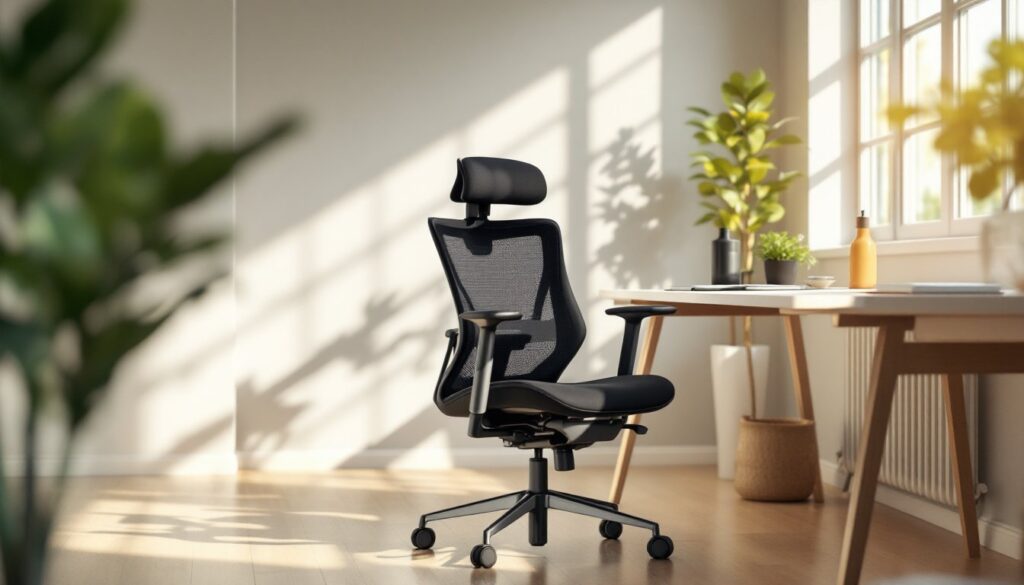
Backrest height matters too. A backrest that reaches to your mid-shoulder blade offers better spine alignment than one that cuts off at your shoulder blades. Full-height backrests (up to the neck) work well if you want upper back and shoulder support, especially if you spend time on calls or doing overhead work. Tilt mechanisms are essential: a good chair should allow the backrest to recline slightly (usually 15–25 degrees) so you’re not locked in an upright position all day. Make sure any tilt function has tension control so the chair doesn’t collapse backward unexpectedly.
Material choice on the backrest affects both comfort and breathability. Mesh backrests let air circulate and are great for longer sessions in warm climates, while padded fabric or leather provides cushioning but can trap heat.
Seat Height, Depth, and Cushioning
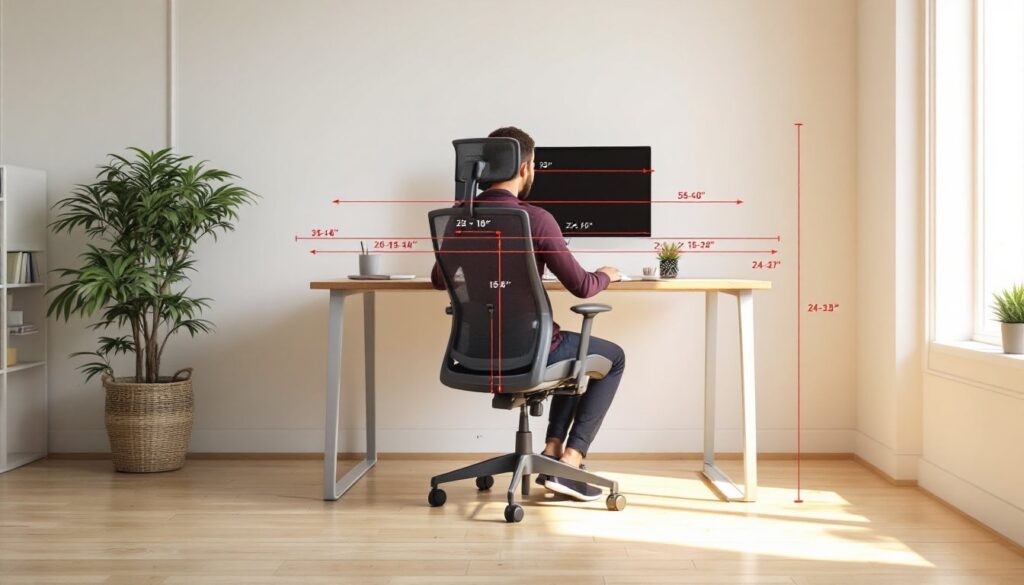
Seat height should allow your feet to rest flat on the floor (or a footrest) with your thighs parallel to the ground. Most adult chairs adjust between 17 to 21 inches, but check the spec sheet for your desk height. If you’re significantly taller or shorter than average, verify the chair’s minimum and maximum height before buying.
Seat depth, the distance from the front edge to the backrest, should leave about 2 to 3 inches of space between the seat’s edge and the back of your knees. Too deep and you’ll be pressed against the backrest: too shallow and your thighs won’t get proper support. A 16- to 18-inch seat depth works for most people, but taller users may need 18 to 20 inches.
Cushioning is where many cheap chairs fall short. Dense foam (4 to 5 inches thick) holds up longer than thin padding that compresses flat within a few months. Memory foam is nice for initial comfort but can off-gas and may sag over time. High-density polyurethane foam, often labeled as “high-performance” or “commercial-grade,” retains its shape better. Don’t just squeeze the seat in a showroom, sit on it for 5–10 minutes to feel how your weight distributes and whether pressure builds on your sit bones or thighs.
Materials and Durability: Choosing Quality That Lasts
Base and casters set the tone for how long your chair will survive. A five-point base (star-shaped with five legs) is more stable than three or four points, especially on rolling floors. Heavy-duty nylon or aluminum bases cost more but won’t crack or warp like cheap plastic. Casters should be rated for your floor type: hard-surface casters for wood or laminate, soft-surface (rubber or fabric-coated) casters for carpet. Swapping casters is an easy upgrade if you later realize you picked the wrong type.
The seat frame and structure determine whether a chair stays solid or develops creaks and wobbles. Steel or reinforced plastic frames last longer than hollow frames, and look for a weight rating that matches your body weight plus a safety margin, typically 250, 300, or 350 pounds depending on the chair. Check if the armrests are adjustable and whether they’re bolted or glued on: bolted is more durable and easier to repair.
Upholstery material is a lifestyle choice as much as a durability one. Genuine leather is expensive and requires maintenance but ages well. Polyurethane or faux leather is cheaper, easier to clean, and holds up to regular use, though it can crack over time. Fabric mesh is breathable and forgiving but stains more easily than solid surfaces. Commercial-grade mesh resists pilling and holds color better than budget mesh. Whichever you choose, confirm it’s removable or designed for spot-cleaning, because spills happen. For families with kids or pets, washable or wipeable surfaces are worth the trade-off on texture preferences.
Mechanisms and controls, tilt, height, lumbar adjustment, should feel smooth and precise, not wobbly or hard to reach. Test them several times in the store or during a trial period. Repairs to height cylinders or tilt mechanisms can be expensive after the warranty, so better-quality mechanisms upfront save headaches down the road.
Adjustability Features You Should Prioritize
Height adjustment is universal on modern office chairs and non-negotiable. It should be smooth (not clicky or jerky) and hold your chosen position without drifting. A gas cylinder rated for your weight ensures safe, consistent adjustment.
Lumbar support adjustment is the second priority. Fixed lumbar support works if the chair fits your curve perfectly, but an adjustable lumbar dial or lever lets you dial in support as your back changes throughout the day. Some chairs offer height and depth adjustment for the lumbar region, which is luxury-level customization.
Armrest adjustability matters more than you’d think. Height adjustment prevents shoulder tension, and width adjustment (how far the armrests stick out) helps you fit the chair closer to your desk. 3D armrests, adjustable for height, width, and angle, offer maximum flexibility, though 1D or 2D armrests (height-only or height plus angle) are sufficient for most users. Some people remove armrests entirely and prefer open-sided seating: that’s fine, but confirm the chair functions well without them.
Tilt and recline control lets you lean back and adjust how much resistance the backrest provides as you move. A tension knob (or dial) underneath the seat controls how easily the chair tilts. Locked tilt is useful if you prefer a fixed position: a slight recline is healthier for long sessions. Rock and lock mechanisms are helpful if you switch between working and relaxing postures.
Headrest or neck pillow support is optional but worth considering if you spend time on video calls or prefer upper-body support. Some chairs offer detachable or adjustable headrests that aren’t essential but do reduce neck fatigue on long days.
Style and Aesthetics for Your Home Office
Your office chair is visible in video calls and Zoom backgrounds, so it makes sense to choose something you won’t hate looking at every day. Style preferences vary widely, but a few categories cover most bases: executive (padded, often leather, looks formal), mid-back task (clean lines, mesh or fabric, professional but casual), and racing-style (tall back, bold colors, gaming-adjacent). None is objectively better: pick what matches your desk, decor, and personal taste.
Color choice is personal but practical. Black, gray, and navy are safe bets that hide dirt and match most home office setups. White or light upholstery looks clean but shows stains and dust. Bold colors (red, blue, green) add personality but may clash with future decor changes. If you love a bold color but worry about longevity, consider a cover or throw, or accept that redecorating your office is a future project.
Finish and materials signal the chair’s place in your space. Mesh chairs feel modern and tech-forward. Padded fabric reads as comfort-focused and traditional. Leather or faux leather leans executive or upscale. Mix-and-match (mesh with padded headrest, for example) is trendy and can match eclectic decor.
Size and proportions matter for visual balance. A massive racing-style chair overwhelms a small home office, while a tiny mesh task chair might look flimsy in a larger space. Measure your office and confirm the chair’s footprint (base width and depth) fits your layout without dominating the room.
Future-proofing: choose a style you genuinely like, not a trend you think will age well. Office style has shifted toward ergonomic minimalism (clean lines, focus on function over flash), and that aesthetic is likely to stay neutral for years. Avoid chairs with extremely trendy colors or silhouettes unless you’re okay replacing them sooner.
Budget Considerations and Value for Money
Office chair prices range from $100 to $2,000+, and the jump in quality isn’t always linear. A $150 chair is better than a $50 novelty chair, but a $500 chair isn’t always twice as good as a $250 chair.
Budget tier ($100–$300): These chairs handle basic functionality, adjustable height, tilt, simple lumbar support. Expect less durable materials, fewer adjustment options, and faster wear on foam and casters. They’re good for guest offices, kids’ desks, or temporary setups. Test one for at least a week before committing, because comfort varies wildly at this price.
Mid-range tier ($300–$800): This sweet spot offers quality materials, multiple adjustments, better weight ratings, and longer warranties (3–5 years). Most home office workers find their ideal chair here. You’re paying for durability and function, not brand prestige.
Premium tier ($800+): High-end ergonomic chairs (Herman Miller, Steelcase, Humanscale) offer customization, superior materials, and decade-plus lifespans. If you work 40+ hours a week in your chair, the cost-per-use justifies the upfront price. These chairs often have commercial warranties and replacement parts availability.
Where to shop affects value. Big-box retailers and online sellers often have sales: waiting for holiday discounts can save 20–30%. Office furniture specialist retailers may offer better guidance and try-before-you-buy policies. DIY enthusiasts might explore how to reupholster and customize chairs like the Skruvsta to fit a personal budget and style.
Return policies and warranties are part of the real cost. A $400 chair with a 30-day return policy and 10-year warranty is a better deal than a $300 chair with a 14-day return and 1-year warranty. Factor in shipping costs if buying online: heavy chairs aren’t cheap to return.
Final thought: the best office chair is the one you’ll sit in comfortably for years without thinking about it. Don’t cheap out on something you use daily, but don’t overspend on features you’ll never adjust either.