
If you spend hours working from a desk at home, your chair matters more than you’d think. A bad chair leads to back pain, poor posture, and wasted energy fighting discomfort instead of focusing on work. The Leap Office Chair, designed by Steelcase, has become a go-to solution for homeowners and remote workers looking for serious ergonomic support without the premium price of high-end office furniture. This guide walks you through what makes the Leap tick, how it performs in real home office setups, and whether it’s the right fit for your workspace.
Table of Contents
ToggleKey Takeaways
- The Leap Office Chair offers mid-range ergonomic support at $500–$800, balancing comfort and durability without the premium price of designer models like the Herman Miller Aeron.
- LiveBack technology is the signature feature—a flexible spine mechanism that adjusts with your body movements, reducing pressure points and supporting your lower back across various sitting positions.
- The chair’s 12-year lifespan and commercial-grade construction significantly outlast budget office chairs (2–4 years), making it a cost-effective investment for full-time remote workers.
- Proper setup is critical: adjust seat height, depth, backrest height, armrest height, and recline tension to your body dimensions for maximum ergonomic benefit and pain reduction.
- The Leap Office Chair excels for people spending 6+ hours daily at a desk, particularly those with back or neck issues, and its extensive adjustability works for various body types and torso lengths.
- Used Leap chairs available for $250–$400 on secondhand markets provide a budget-friendly way to test the chair’s comfort before committing to a new purchase.
What Is the Leap Office Chair?
The Leap is a mid-range ergonomic office chair manufactured by Steelcase, a company with decades of experience building task seating for corporate and home environments. Unlike budget chairs that nail appearance but skimp on support, the Leap strikes a deliberate balance between comfort, durability, and reasonable pricing. It sits in the $500–$800 range depending on fabric choice and retailer, positioning it as a serious alternative to both cheaper office chairs and premium designer models that cost double or triple the price.
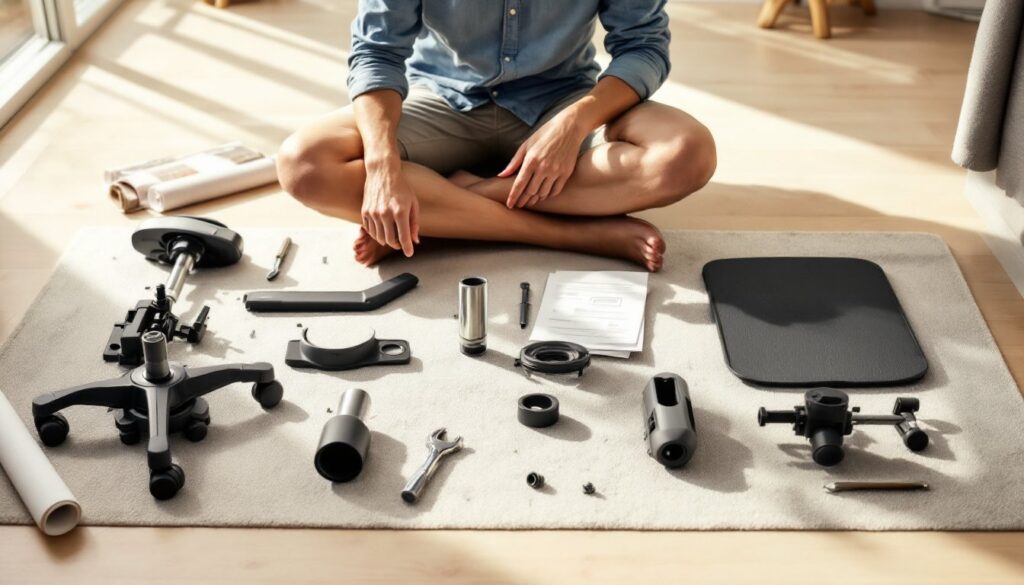
The chair ships fully assembled or semi-assembled depending on where you buy it. Its modern, understated aesthetic fits most home offices without screaming “corporate.” The Leap comes in multiple upholstery options, caster types (hard-wheel for carpet, soft-wheel for hard floors), and frame colors, so customization is straightforward.
What sets it apart from its competitors is the LiveBack technology, a flexible spine mechanism built into the backrest that moves and adjusts with your body as you shift positions. Rather than staying rigidly fixed, it responds to your natural movement throughout the workday.
Key Features and Design Elements
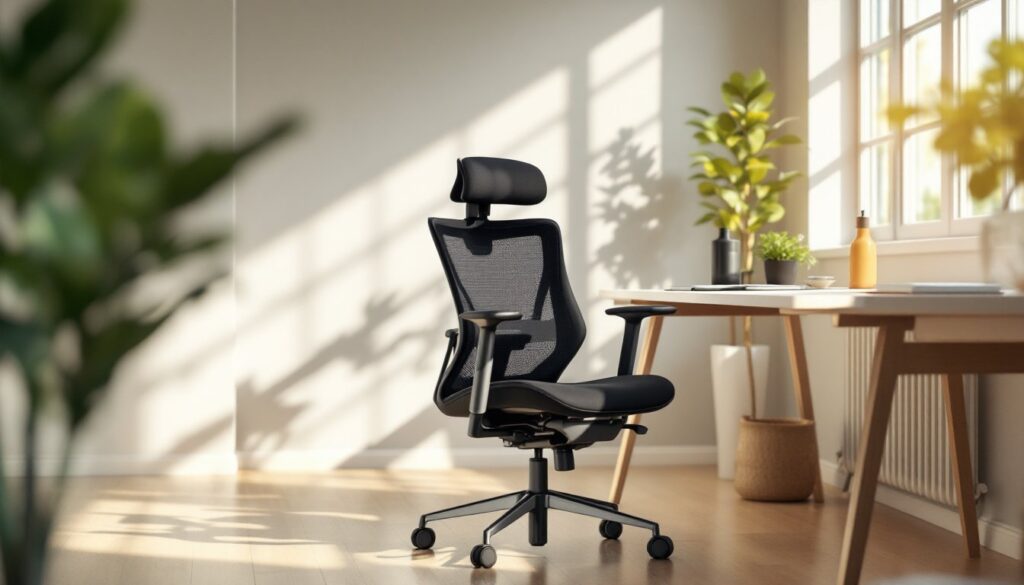
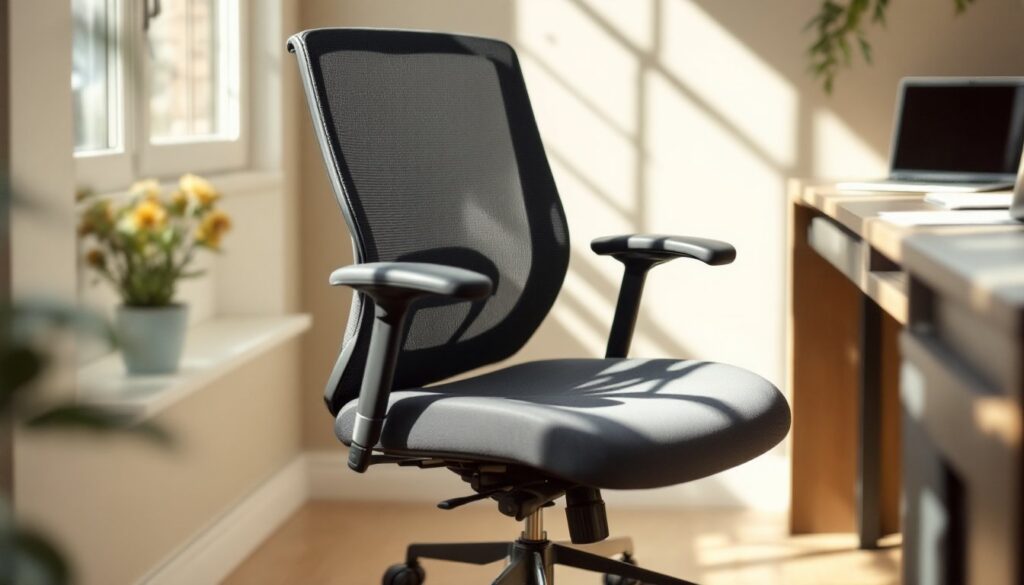
The Leap’s design focuses on function over flash. The seat itself is contoured to support your thighs without cutting off circulation at the back of the knees, a common problem with cheap office chairs. Seat depth adjustment is tool-free: you pull a lever beneath the seat to move the cushion forward or backward, tailoring it to your leg length.
The backrest height and recline tension are independently adjustable. You tilt the back without the whole seat tilting with it, which lets you find the right angle without your knees popping up. The armrests adjust in height and width, and on some models, they move forward and backward too, critical if you have a short reach or sit close to your desk.
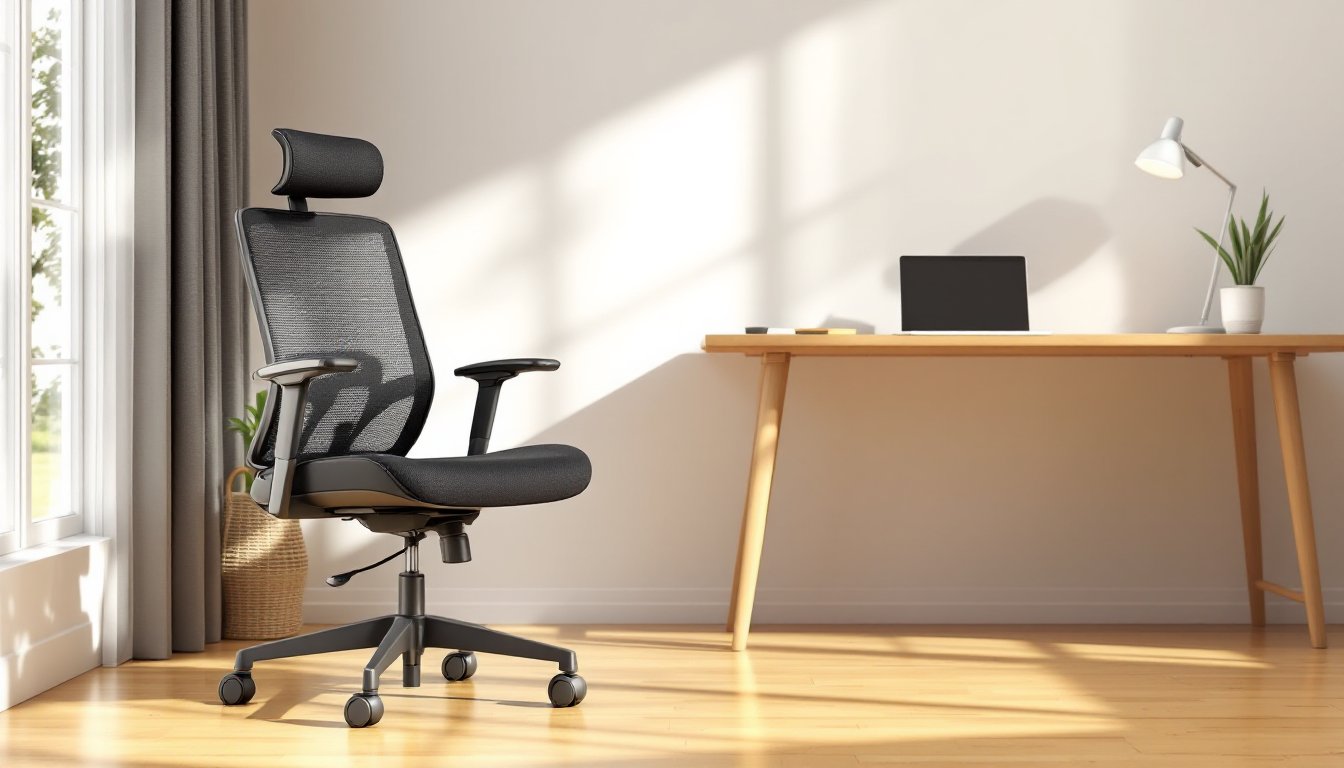
Underneath, there’s a pneumatic gas cylinder that raises and lowers the seat smoothly. It’s the same type found in nearly all office chairs: Steelcase’s version holds up well to daily use. The base is a five-star configuration with smooth-rolling casters that glide across carpet or hard floors, and you can lock the casters in place if needed.
The LiveBack spine is the signature feature. Rather than a solid shell, it’s a flexible mechanism with a curve that mirrors the natural S-shape of your lower back. As you move or lean back, the spine flexes with you. This reduces pressure points and keeps you supported whether you’re sitting upright or reclined.
Comfort and Ergonomic Benefits
Comfort is subjective, but ergonomic benefits are measurable. The Leap ranks consistently high in independent reviews because it addresses real pain points that show up after hours at a desk: lower back strain, shoulder tension, and poor posture creep.
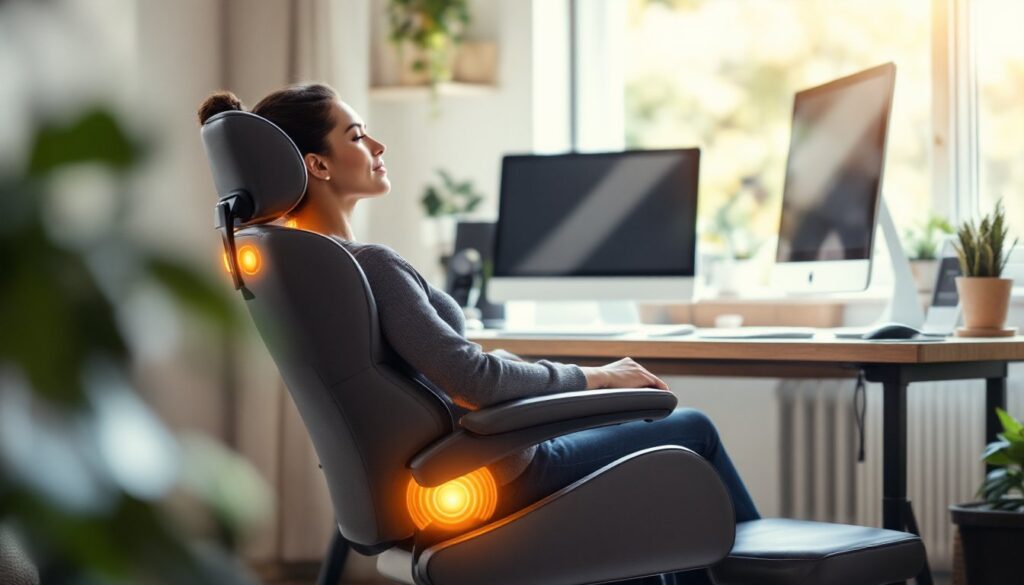
The contoured seat pan prevents the “hammock” effect where your tailbone sinks and your lower back rounds forward, the posture that leads to disc problems over time. The LiveBack technology means your lumbar spine gets support across a range of movements, not just when you’re sitting bolt upright. If you recline to think, shift sideways to reach, or lean forward to type intensely, the backrest adjusts its support rather than fighting you.
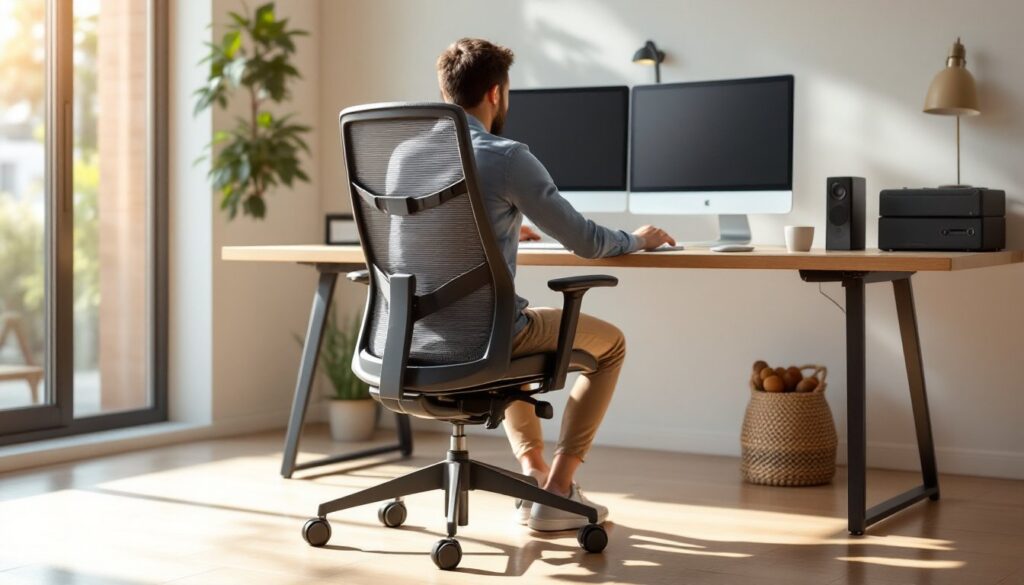
Armrest height is crucial for reducing shoulder strain. On the Leap, you can get them to the exact height of your desk, which means your elbows rest lightly rather than dangling or pressing up into your shoulders. When armrests are even slightly too high or low, it throws off your whole posture chain.
Users typically report a noticeable difference within the first week: less back pain at day’s end, fewer headaches from tension, and better posture without constant self-correction. That said, a good chair isn’t a substitute for movement. Getting up and walking every 30–60 minutes is non-negotiable: the Leap just makes the sitting part less damaging.
Price and Value Comparison
At $500–$800 new, the Leap costs more than the $150–$250 chairs you’ll find at big-box stores, but less than boutique designer chairs or the Herman Miller Aeron, which runs $1,200–$1,600. The question is whether the middle ground is worth it.
Compare durability: a cheap chair typically lasts 2–4 years before the gas cylinder fails, the wheels jam, or the backrest goes limp. The Leap, built on a commercial-grade platform, is designed for a 12-year lifespan and regularly lasts 8–10 years with normal use. If you work from home five days a week, that math strongly favors the Leap.
Budget chairs sacrifice adjustment range. They have fixed armrests, limited recline, and minimal lumbar support. The Leap gives you a dozen fine-tuning points, which matters if you’re 5’2″ or 6’3″, heavy or light, or dealing with an old injury. One-size-fits-most chairs fit no one perfectly.
Used Leap chairs trade hands for $250–$400 on secondhand markets, which makes them a smart option if budget is tight and you don’t mind missing the manufacturer’s warranty. The bones of the chair are solid enough to outlast cosmetic wear.
How to Set Up and Adjust Your Leap Chair
-
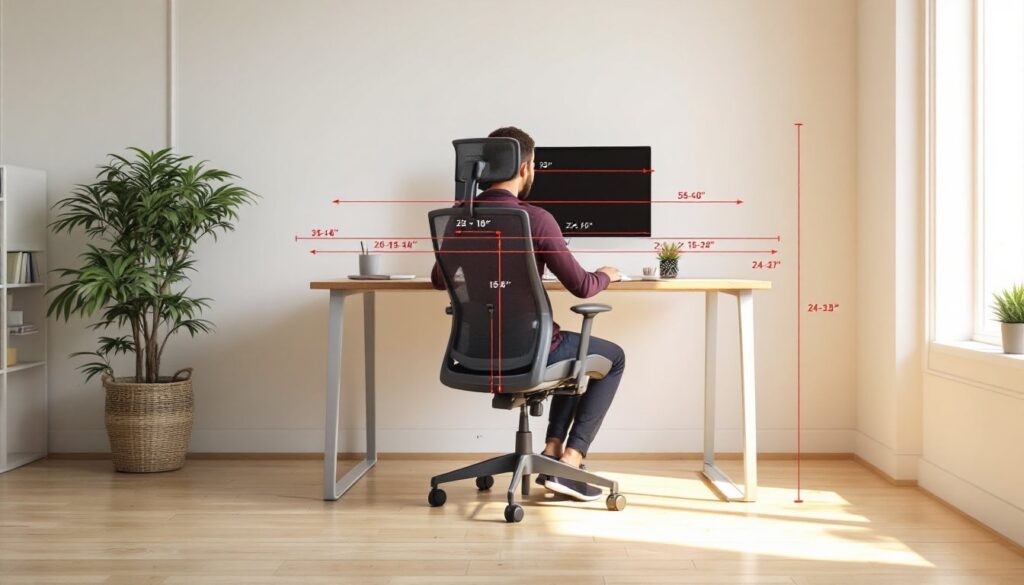
Seat height: Adjust so your feet rest flat on the floor and your knees bend at roughly 90 degrees. If your thighs slope downward toward your knees, the seat is too high.
-
Seat depth: Pull the lever under the seat and slide the cushion forward or backward. Your back should rest against the backrest with a fist’s width of space between the seat edge and the back of your knees. Too deep, and it cuts off circulation: too shallow, and you lose thigh support.
-
Backrest height: Adjust the lumbar support (usually with a knob on the back) so it sits at your natural curve, roughly at belt height.
-
Armrest height: Raise or lower until your elbows bend at 90 degrees while your hands rest on your desk. Your shoulders should feel relaxed, not shrugged or dropped.
-
Recline tension: Tighten or loosen the tension knob so the chair offers light resistance when you lean back. You shouldn’t be able to flop back without effort, but you shouldn’t need to strain to recline either.
-
Test for 30 minutes: Walk around, sit in different positions, and refine. It takes a few days for your body to settle into the new position, so don’t judge after five minutes.
Best For: Who Should Choose a Leap Chair?
The Leap excels for full-time remote workers, especially those with existing back or neck issues. If you’re on video calls all day or doing detailed design or writing work, the support pays dividends. Developers, writers, designers, and anyone spending 6+ hours daily at a desk will notice the difference.
It’s less critical if you work from home part-time or split time between office and home. A good chair matters more the longer you sit.
Fitness and body type matter too. If you have a shorter or longer torso, the Leap’s adjustability outshines cheaper fixed-back chairs. Same applies if you’re heavier, the 300+ lb weight capacity and robust base handle serious use without developing a sag over time.
Interior design inspiration for home offices often emphasizes style over substance, but Design Milk highlights contemporary furniture that balances modern aesthetics with real function, and the Leap fits that brief. Its clean lines work in minimalist, industrial, and transitional spaces.
Budget-conscious folks doing a complete home office makeover might pair the Leap with a simple desk, small space living ideas from Apartment Therapy, and good lighting to create a focused, productive setup without very costly.
If you’re torn between the Leap and pricier alternatives, rent or buy used first. The chair should feel right to your body, not just look right in the space. Spending $400 on a used Leap to test-drive the experience beats guessing on a $1,500 premium chair.
Conclusion
The Leap Office Chair isn’t flashy, but it’s honest furniture built for people who spend their days sitting. Its combination of adjustability, durability, and reasonable pricing makes it a smart choice for home-based workers serious about workspace comfort. Whether you pick it new, used, or compare it with competitors, the key is honest self-assessment: how much time do you spend in the chair, what adjustment features matter for your body, and what’s your timeline for ROI? For most full-time remote workers, the Leap pays for itself in reduced pain and increased productivity within a year.