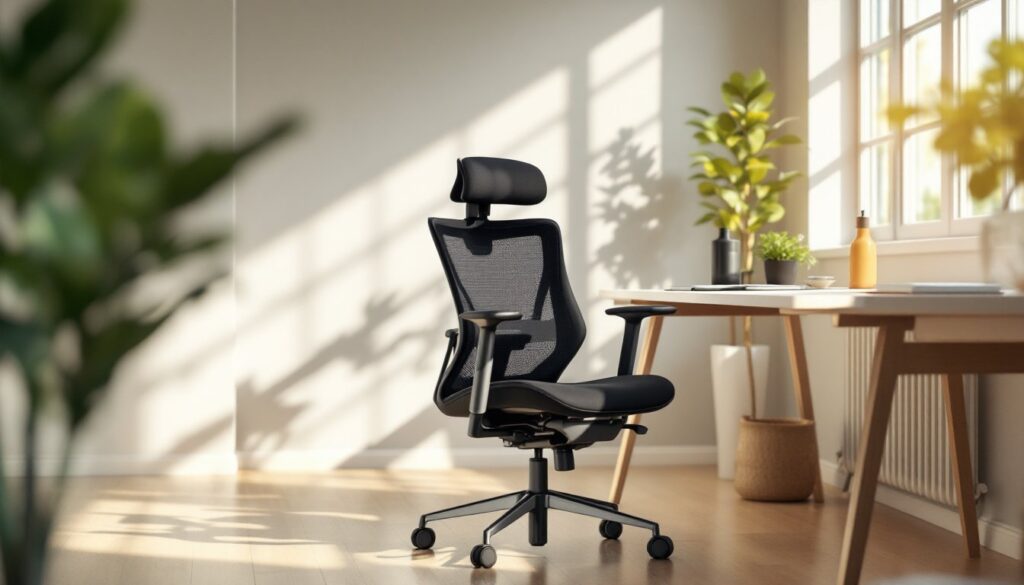

Spending eight hours a day in an office chair that doesn’t fit your body is a recipe for neck strain, lower back pain, and shoulder tension. An office chair with adjustable arms addresses one of the most overlooked comfort factors in home offices: proper arm support. Unlike fixed-arm chairs that force you into a one-size-fits-all posture, adjustable arms let you dial in the exact height and width your shoulders need. Whether you’re transitioning to remote work, upgrading an aging desk chair, or setting up a new workspace, understanding how to choose and use an office chair with adjustable arms can dramatically improve your daily comfort and long-term spinal health.
Table of Contents
ToggleKey Takeaways
- An office chair with adjustable arms prevents upper crossed syndrome and repetitive strain injuries by positioning support at your natural elbow height, reducing neck and shoulder tension.
- Look for chairs with both height and width adjustability—arms should move at least 2–3 inches vertically and 1–2 inches horizontally to match your shoulder width and desk setup.
- Proper arm height and positioning improve typing posture and wrist alignment, reducing fatigue and the risk of tendonitis during long workdays.
- Invest in durable construction with high-density foam padding (1–1.5 inches thick) and metal arm posts, as cheap padding compresses within months and plastic joints crack under daily use.
- Take 10 minutes to properly adjust height, width, and depth after setup, then revisit settings weekly—your body’s needs shift during actual work routines, and small tweaks prevent weeks of discomfort.
- Avoid leaning heavily on armrests as your primary support; they should enhance a naturally upright posture, not compensate for poor seating position or slouching habits.
Why Adjustable Arms Matter for Your Home Office
Fixed armrests are one of the biggest culprits behind repetitive strain injuries in home offices. When armrests don’t match your desk height or shoulder width, you either perch on the edge of your chair or prop your arms awkwardly on the desk itself. Both positions pull your shoulders forward and up, a posture called “upper crossed syndrome,” which tightens your neck and upper back muscles over time.
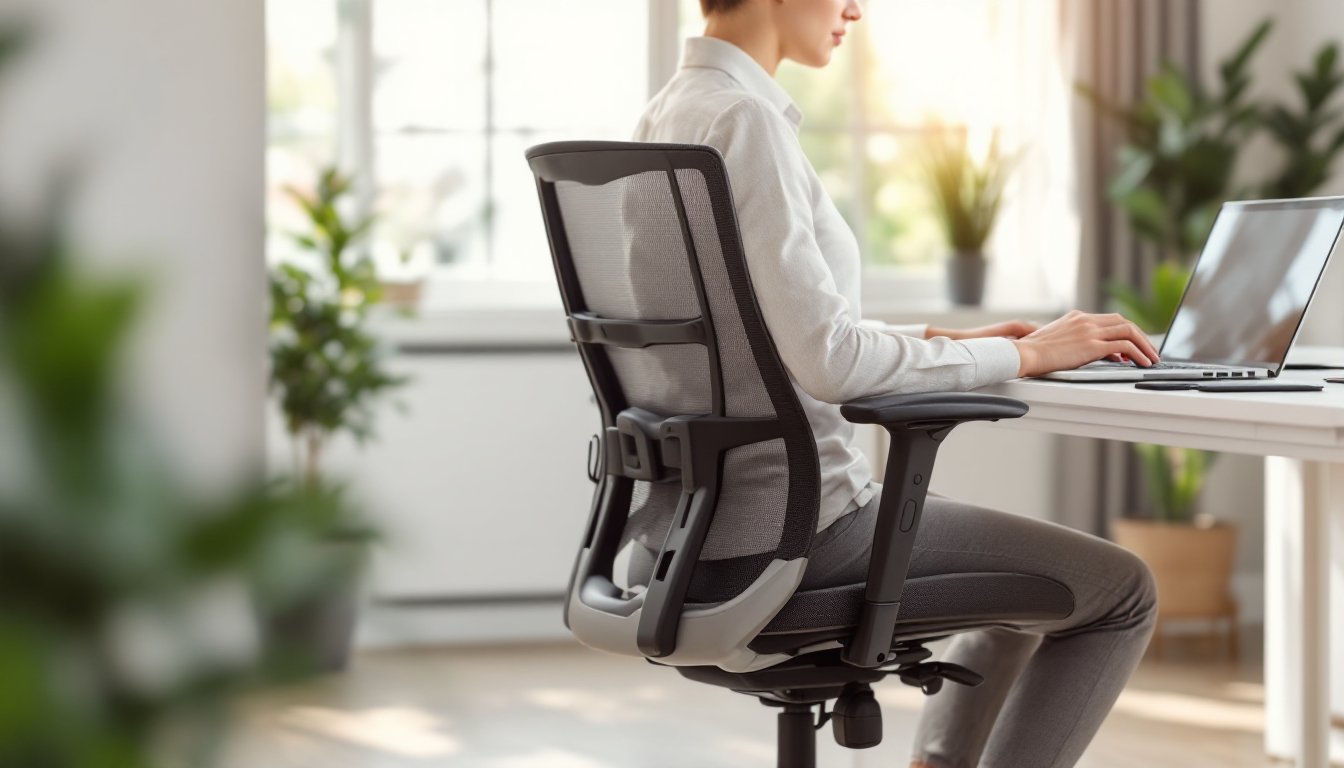
Adjustable arms solve this by letting you position support exactly where your elbows land when your shoulders are relaxed and your feet are flat on the floor. Proper arm support takes pressure off your neck and shoulders, distributes it across your forearms, and lets your core stabilize your spine naturally. Over a workday, that’s the difference between going home tired and going home with no pain.
Beyond comfort, adjustable arms improve your typing posture. When armrests support your forearms at the right height, your wrists stay neutral and less stressed. This reduces fatigue and cuts the risk of tendonitis. If you spend a third of your life in this chair, making it fit your body, not the other way around, pays dividends in productivity and health.
Key Features to Look for in an Adjustable Arm Office Chair
Arm Height and Width Adjustability
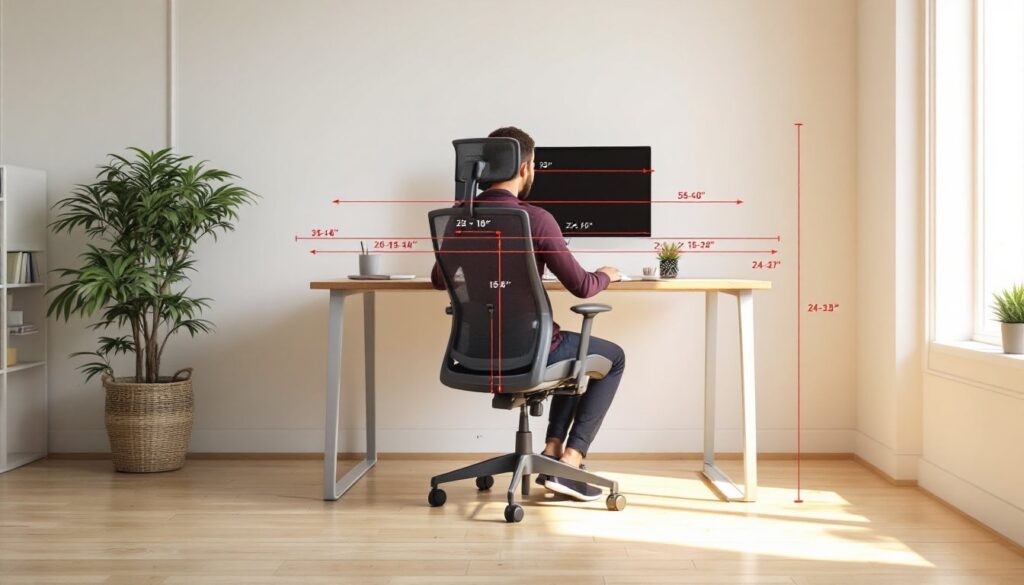
The two non-negotiable adjustments are height and width. Height adjustment should move the armrests at least 2 to 3 inches vertically, ideally using a simple lever or knob underneath the arm post. When you sit upright with your shoulders relaxed, the armrest should align with your elbow, roughly level with your desk surface or slightly below. Most office chairs offer this range, but verify the specs before buying.
Width adjustment (sometimes called arm spacing) is often overlooked but critical. Standard office chairs come with fixed-width arms that are 16 to 18 inches apart. If you have narrow shoulders or a compact desk, too-wide arms force you to lean inward and twist your spine. Conversely, very broad shoulders can feel cramped. Look for chairs with arms that slide horizontally or rotate inward/outward: even 1 to 2 inches of adjustment makes a difference. A recent furniture guide from Homedit highlights how body-scaled furniture choices improve both comfort and posture in shared workspaces and home offices alike.
Material and Durability Considerations
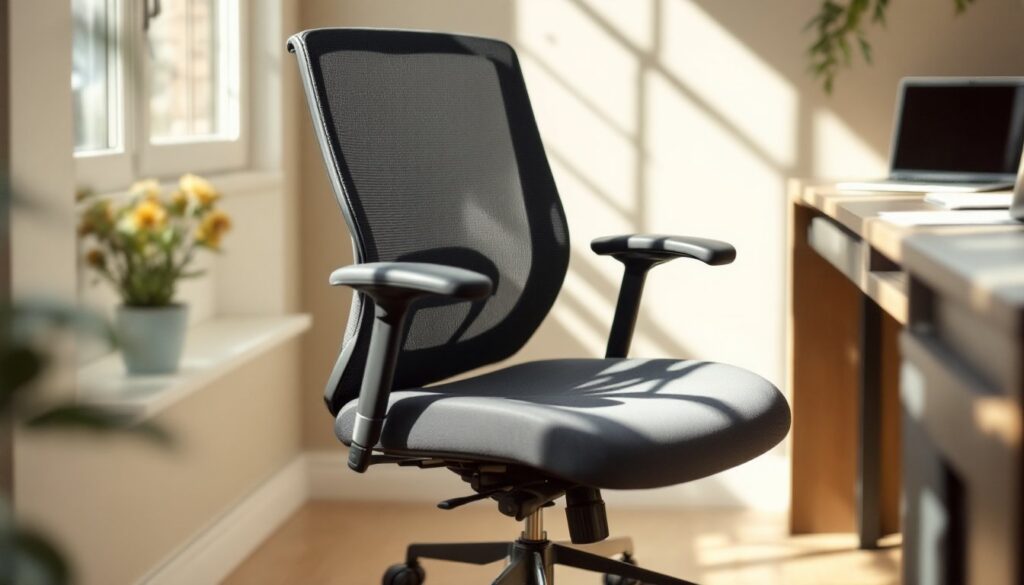
Armrests take constant contact and pressure. Cheap padding compresses within months, leaving hard plastic beneath. A quality office chair uses high-density foam (at least 1 to 1.5 inches thick) wrapped in a durable covering like polyurethane, vinyl, or mesh. Polyurethane is scratch-resistant and easy to wipe clean: mesh offers breathability if your arms sweat: genuine leather or leatherette looks professional but can feel warm.
Check the arm post attachment. Metal posts welded or bolted to the seat base are more stable than plastic clips. Plastic arms on budget chairs often wobble or crack at the joint. If you plan to keep this chair for five years or more, spending an extra $50 to $100 on better arm construction is money well spent. Look at product reviews that specifically mention arm durability, not just overall chair comfort.
How to Properly Adjust Your Office Chair Arms for Comfort
Once you bring your new chair home, taking 10 minutes to dial in the arms saves weeks of discomfort. Start by sitting upright in your chair with your feet flat on the floor and your back against the chair back. Relax your shoulders and let your arms hang at your sides. Your elbows should naturally bend at about 90 degrees.
Step 1: Set arm height. Adjust the armrest so the pad sits just below your elbow. Your forearm should rest on the pad without your shoulder creeping upward. If you raise your shoulder to meet the armrest, it’s too high: lower it by half an inch and check again. Many chairs use a side-lever adjustment: others have a knob underneath the arm post. Tighten or lock the mechanism once you find the sweet spot.
Step 2: Adjust width. If your chair has sliding or rotatable arms, move them inward so they’re roughly shoulder-width apart (typically 15 to 17 inches for most adults). You should feel lightly supported without being pinched. Rotate the arms slightly outward if your desk is narrow to prevent them from hitting the desk edge when you lean forward.
Step 3: Test at your desk. Sit as if you’re typing or using a mouse. Your elbows should clear the armrests slightly, or rest gently on them. If your arms are fully supported by the rests, the chair height or desk height may be off. The armrests are meant to help, not carry all the load. Readjust if you feel tension in your neck or shoulders after 15 minutes of test sitting.
Step 4: Revisit after a week. Your body’s needs can shift once you’re in your actual work routine. If you notice any new aches, re-check your adjustments. Sometimes a small tweak prevents weeks of frustration. Remember that this process is iterative, don’t set it and forget it.
Common Mistakes to Avoid When Using Adjustable Arm Chairs
One of the most common errors is using the armrests as your primary support throughout the day. Your arms should rest lightly on the armrests, not bear your full weight. If you’re leaning heavily on them for hours, you’re likely overcompensating for poor posture elsewhere, slouching, hunching, or leaning to one side. A well-fitted chair lets you sit upright without armrest support, and the armrests enhance that position rather than enable a bad one.
Another mistake is ignoring the depth and tilt of the seat. Armrest adjustments only work if the seat and backrest are also dialed in. A seat that’s too deep forces you to scoot forward to use the armrests, disconnecting you from the backrest. A seat that’s too shallow doesn’t support your thighs. If your chair has seat depth or tilt adjustments, spend time on those first. The armrests are just the final piece.
Don’t assume that one adjustment setting works for all tasks. If you switch between typing, data entry, and video calls, your arm position might shift slightly. Typing often benefits from armrests that are slightly lower and wider apart: calls where you’re gesturing or reaching for notes might call for armrests tucked in a bit. It’s a minor adjustment, and modern offices rely on modular furniture design to support varied work styles, your chair’s armrests should too.
Finally, don’t neglect the chair’s build quality while fixating on armrest features. A chair with fantastic adjustable arms but a weak pneumatic cylinder or flimsy base will fail you. Spend time reading reviews about the overall chair construction, wheel rolling, and gas lift longevity before committing. The armrests are only one piece of the comfort puzzle.
Conclusion
An office chair with adjustable arms isn’t a luxury, it’s a practical investment in your comfort and health. By choosing a chair with solid height and width adjustability, durable padding, and secure arm posts, and then taking the time to dial in your settings, you transform your home office from a place that hurts into a place where you can focus. Small adjustments compound over months and years. Your future self will thank you for getting this right now.