
If you’re setting up a home office or workspace, choosing the right chair is one of the most practical investments you can make. You’re going to spend eight, ten, maybe twelve hours a day in that seat, your back, neck, and legs will thank you for getting it right. The Comhoma office chair has become a popular choice among homeowners and DIY enthusiasts looking for a no-nonsense solution that doesn’t require a contractor or professional setup. It hits that sweet spot between affordability, function, and durability. Whether you’re outfitting a dedicated home office, a corner of your bedroom, or a creative workspace, understanding what this chair offers, and how to set it up properly, can make all the difference in your daily comfort and productivity.
Table of Contents
ToggleKey Takeaways
- The Comhoma office chair delivers practical ergonomic support and comfort for full workdays at an affordable price point between $150–$250, making it an excellent value for home office setups.
- Assembly takes roughly 30 minutes with basic tools and no specialized equipment, making it ideal for DIY enthusiasts who want a user-serviceable chair without professional installation.
- The mesh back design provides superior ventilation during extended sitting, while the reliable tilt mechanism and lumbar support offer comfort for average-height users working typical 8-hour days.
- This chair works best for users under 6’2″ with general comfort needs; those with chronic back conditions or specific spinal issues should consider specialized ergonomic alternatives.
- Individual components are replaceable and the chair is lightweight enough to disassemble and move, providing 3–5 years of reliable use without the premium price tag of high-end office chairs.
What Makes The Comhoma Office Chair Stand Out
The Comhoma office chair isn’t trying to be something it’s not. It’s a straightforward, unpretentious seating solution that gets the job done without the premium price tag or design theater. What sets it apart in a crowded market is its practical approach: solid construction, real ergonomic thinking, and honest performance at a price that won’t require a second mortgage.
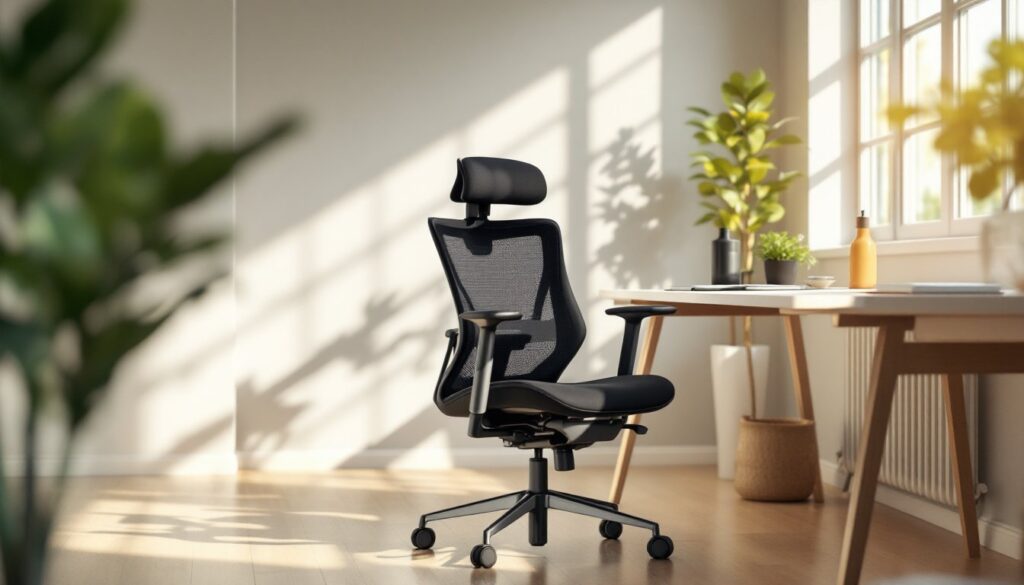
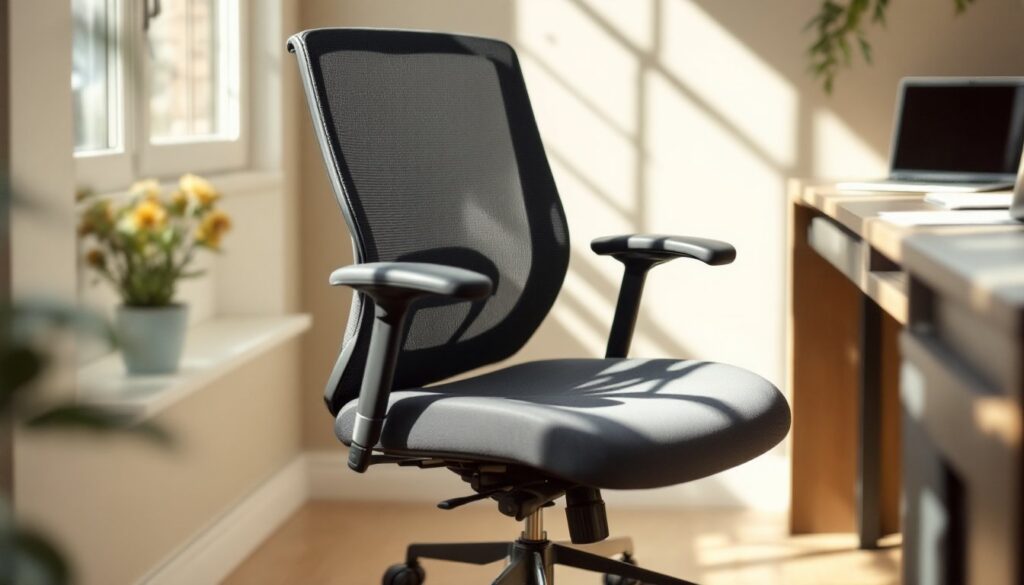
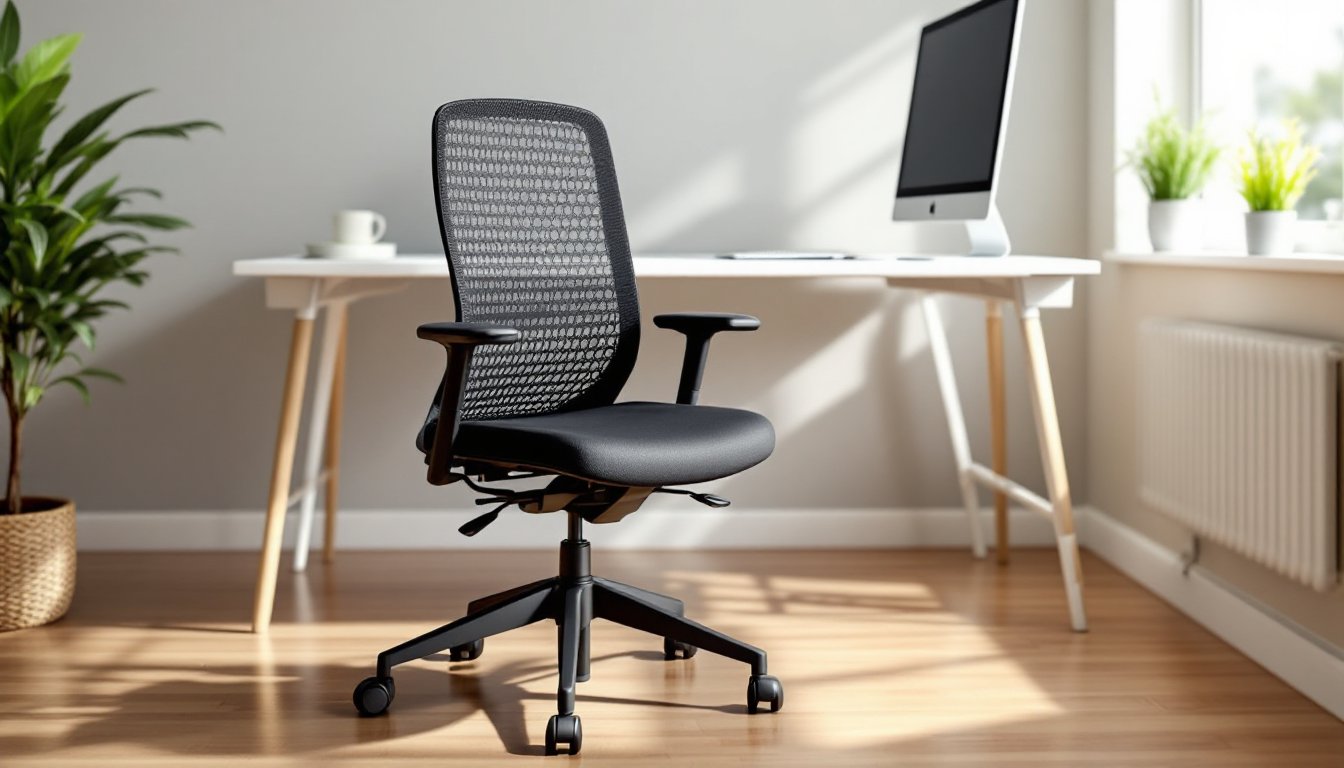
One of the first things you’ll notice is the chair’s no-frills design. There’s no faux leather pretending to be premium, no unnecessary lumbar “theatrics.” Instead, Comhoma focuses on basics: a sturdy frame, decent cushioning, and adjustability where it matters. The mesh back offers ventilation, crucial if you spend hours sitting, and the tilt mechanism actually works, not like some budget chairs where the lock feels like it’s about to snap.
For DIY homeowners, the appeal is clear: it arrives in a box, assembly takes about thirty minutes with basic tools (an Allen wrench is usually all you need), and the instructions are straightforward. There’s no hidden complexity or proprietary hardware that requires specialty tools. That’s refreshingly practical, you’re not hunting for replacement parts or wrestling with cryptic assembly diagrams. The chair is designed to be user-serviceable, meaning if something wears out, you can typically replace the individual component rather than scrapping the whole chair.
Key Features & Specifications You Should Know
Design & Build Quality
The Comhoma chair sits in the mid-tier category, which means it skips unnecessary decoration but doesn’t compromise on the frame itself. The base is heavy-duty nylon or plastic (depending on the model variant), rated for smooth rolling on most flooring, hardwood, laminate, tile, even low-pile carpet. You’ll get five caster wheels, each rated for standard office use: if you have thick area rugs or high-pile carpet, consider picking up a chair mat to reduce rolling resistance and protect your floors.
The backrest height is typically around 23 inches, which works for most body types, though taller users might find it sits a touch lower than ideal. The seat depth measures roughly 19 to 20 inches, leaving adequate legroom without creating pressure on the back of your thighs. Standard office chair dimensions, in other words, nothing exotic, but proportions that work for the general population.
The tilt tension adjustment is a mechanical system, not a pneumatic one (no air cylinder failure risk), and it includes a lock feature that actually stays locked. The armrests are fixed or adjustable depending on the model: if you’re someone who never uses armrests, this doesn’t matter, but if you do, make sure you’re picking a variant with adjustable height. The materials, mesh back, padded seat, plastic base, are durable enough for home use, though they won’t withstand industrial or heavy commercial grinding.
Comfort & Ergonomic Benefits
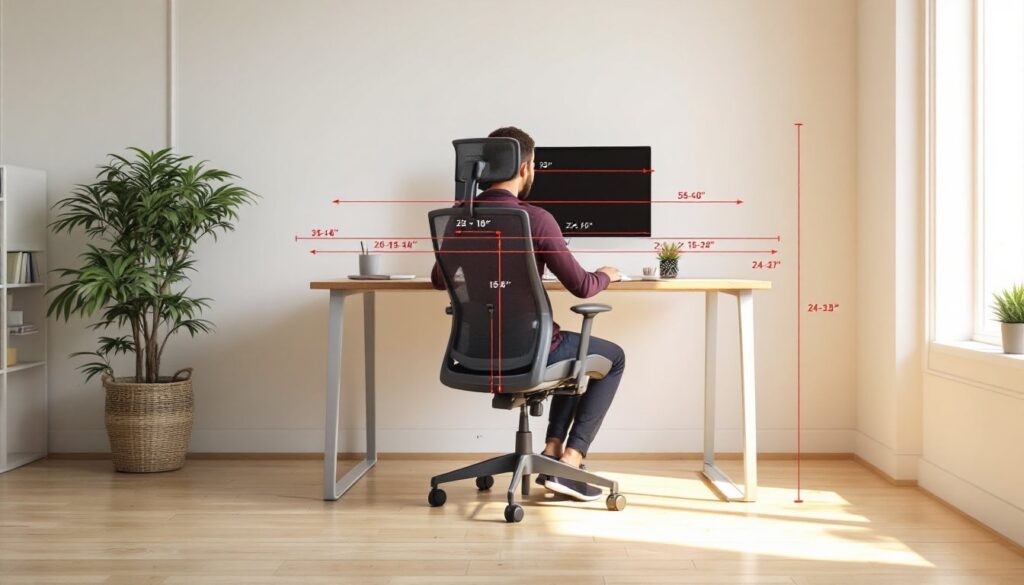
Ergonomics isn’t just buzzword marketing here. The Comhoma chair includes lumbar support (modest, but present) and a seat height range that typically runs from about 17 to 21 inches, accommodating most desk heights when you factor in the desk thickness and monitor placement. Your feet should rest flat on the floor or a footrest when seated, this is non-negotiable for proper posture.
The mesh back is genuinely useful if you live somewhere warm or spend long hours without moving much. Mesh allows air circulation, which means you’re less likely to end up with that uncomfortable sweaty-back feeling by midday. The padding on the seat won’t feel cloud-like, but it’s substantial enough to be comfortable for a full workday: it’s not rock-hard, and it won’t compress into nothing after three months.
One honest note: if you’re over 6’2″ or have specific back issues (chronic pain, herniation, scoliosis), this chair might not be your perfect solution. It’s designed for average-height users with general comfort needs. If you have a documented spinal condition, consider spending more on an ergonomic chair designed specifically for that, or consult your physical therapist. No chair is a substitute for movement and proper desk setup.
How To Set Up & Customize Your Chair
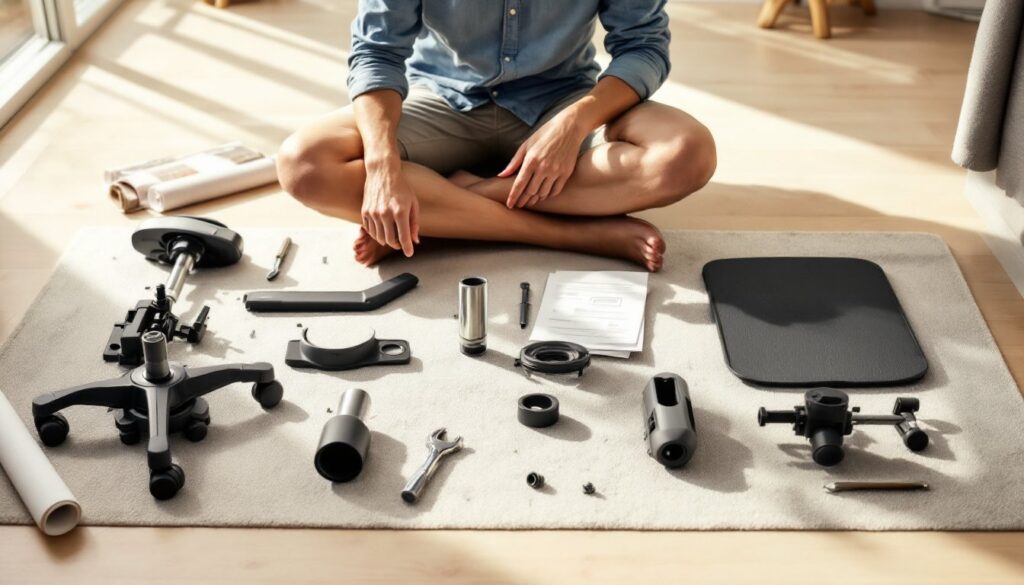
Assembly is straightforward, but don’t skip the prep work. Lay out all parts on a clean, flat surface, your floor, a table, wherever you have room, and verify that everything arrived intact before you start. Check the instruction manual (usually included as a printed sheet or QR code) and scan it for any assembly videos.
You’ll need a Phillips-head screwdriver and an Allen wrench (usually a 5mm or 6mm, provided in the box). Assemble the base first: attach the caster wheels to the undercarriage, they press in firmly, so use a little muscle. Then attach the pneumatic cylinder (the adjustable metal rod) to the base. Slide the seat pan onto the cylinder, secure the backrest bracket, and attach the mesh back. Finally, install the armrests if your model has them.
Once assembled, adjust the seat height so that when you’re seated with your feet flat on the floor, your thighs are parallel to the ground and your knees are at roughly a 90-degree angle. The lumbar support adjustment (if your model has it) should nestle into the small of your back, not pushing aggressively, but offering gentle support. The tilt tension dial should allow smooth rocking without the chair collapsing backward unexpectedly. Tighten it until you feel about 3-4 pounds of resistance.
If you’re placing the chair on hardwood or tile, a chair mat (clear polycarbonate, about 2–3mm thick) protects your floor and improves rolling. For carpet, the mat isn’t essential, but it does reduce friction and extend wheel life. Customization options are limited, this isn’t a chair you’re going to reupholster or mod significantly, but you can swap in lumbar pillows, seat cushions, or small organizational hacks like clip-on storage bins if you need extra storage near your workspace.
Real User Experience & Value For Money
What do people actually say after living with a Comhoma chair for six months or a year? The consensus leans strongly toward “solid value.” Most users report that the chair delivers comfort for typical 8-hour workdays without very costly, and assembly is quick enough that you’re not cursing under your breath halfway through.
Where praise clusters: the mesh back wins fans, the tilt mechanism is reliable, and the chair doesn’t wobble or feel unstable. Users appreciate that it’s not overtly cheap-feeling, no plastic creaking with every movement, no mystery rattles. If you move homes or workspaces, the chair is light enough to carry (not a two-person job) and disassembles fairly quickly.
Common complaints: tall users (especially above 6’2″) say the backrest feels short: very heavy users (250+ pounds) occasionally report that the seat doesn’t hold its padding as well as they’d like after a year: some note that the fixed armrests on certain models don’t fit their desk height. These aren’t failures, just honest mismatches between a general-purpose chair and specific situations.
On value: you’re typically paying somewhere in the $150–$250 range (prices fluctuate), which positions it well below premium ergonomic chairs (often $500+) and above the thinnest budget options. For a home office setup, especially if you’re furnishing on a modest budget like many apartment dwellers or outfitting multiple workspaces, the cost-per-comfort ratio makes sense. It’s not an investment piece, don’t expect to resell it for much, but it’s durable enough to serve reliably for 3–5 years of home office use.
Conclusion
The Comhoma office chair is what it claims to be: a practical, no-nonsense seating solution for home and office spaces. It won’t transform your posture or solve chronic back pain, but it will support a solid eight-hour workday without draining your budget. Assembly is quick, maintenance is minimal, and the chair plays well with most desk setups. For homeowners and DIY enthusiasts building or upgrading a workspace, it’s a sensible choice that doesn’t require professional installation or mysterious expertise. Measure your space, verify the seat height matches your desk, and you’ll have a functional, durable chair that gets the job done.